

CPAP for Backpacking: Plan a Safe, Light Setup
TrendReactTees.STORE TeamYou can bring CPAP therapy backpacking, but your setup depends on your prescribed treatment, route elevation, power supply, and weather. A compact machine helps, but it doesn't make a multi-night trip magically plug into the nearest tree.
For campsite downtime, our Nature Is My Wifi Tee and Nature Is My Group Chat Tee add a little outdoor-themed personality. They're outfit ideas, not CPAP gear. Don't change prescribed therapy to save pack weight or battery.
This post may contain affiliate links. If you make a purchase through these links, I may earn a small commission at no extra cost to you.
Key Takeaways
- Keep using prescribed therapy unless your clinician advises otherwise.
- Compare the full kit, including mask, hose, battery, cables, and humidification parts.
- Test your exact machine and battery at home before relying on them outdoors.
- Plan for route elevation, cold, rain, and limited charging opportunities.
- Carry spare lithium-ion batteries in your cabin baggage and follow FAA limits.
CPAP for Backpacking: Start With Your Treatment Needs
Backpacking is a different power-and-packing problem from car camping. You may be carrying every ounce, sleeping away from outlets for several nights, and dealing with cold, damp weather that would make a home bedroom feel luxurious.
Compact gear is useful only if it works with your prescribed therapy. Before committing to a route, tell your sleep clinician how long you'll be out and where you expect to sleep. That conversation matters even more if you have heart or lung disease, low oxygen, severe sleep apnea, or a history of altitude illness. Don't change pressure settings or skip treatment to stretch a battery.

Plan around the route and sleeping elevation
A route that looks manageable on a map can still mean sleeping much higher than you're used to. Higher elevation can affect breathing and sleep-disordered breathing, and a machine's altitude feature doesn't prove your treatment will remain adequate for you. Share the itinerary and expected sleeping elevation with your clinician before you go.
If powering your device may be difficult, ask your clinician in advance about a personal backup plan. That's a better plan than making a medical decision beside a tent at midnight with a dwindling battery indicator.
Know what a travel CPAP can and cannot replace
A travel CPAP isn't automatically a substitute for the device you already use. Check that its therapy settings suit your prescription, that your mask and tubing fit, and that the humidification option works for you. A smaller machine that won't work with your mask is just a very committed paperweight.
Choose a Compact Machine That Fits Your Setup
Two portable examples have very different design details. The ResMed AirMini weighs about 10.6 ounces, while the Transcend Micro is listed at about 0.48 pounds. Those machine-only weights don't include the rest of your sleep kit, so don't let the lightest spec win the whole argument.
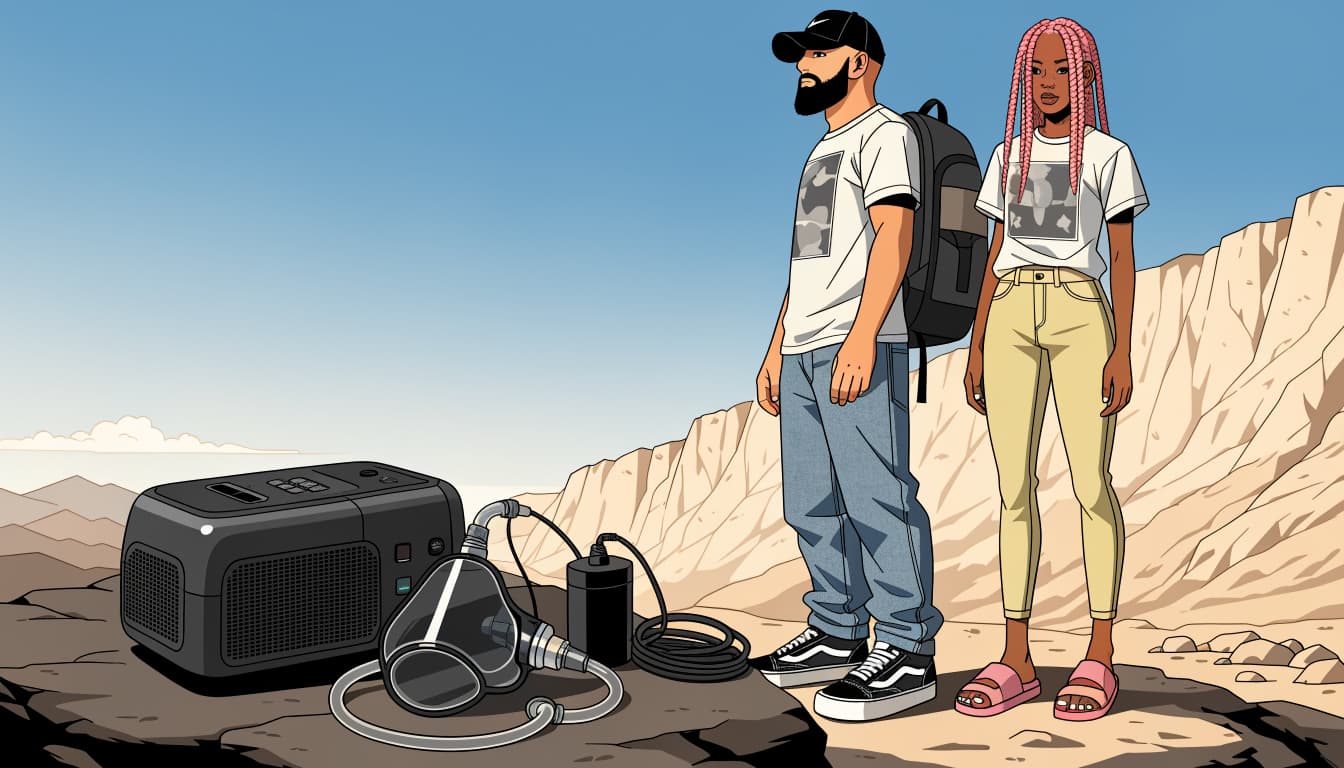
Compare weight, mask fit, and humidification
The AirMini doesn't use a heated water tank. Its HumidX and HumidX Plus waterless moisture exchangers work with specific ResMed masks and AirMini tubing, so its mask and hose options are narrower than a standard home setup. The Transcend Micro has no built-in battery. Its optional PowerAway battery is listed for up to 17.5 hours in most cases, but actual runtime varies with pressure settings, mask type, altitude, leak rates, and other factors.
Weigh the complete kit, not just the machine: mask, hose, power supply, battery, cables, and humidification parts. Try the mask and humidification arrangement at home. If it leaves you uncomfortable or dry there, the trail won't add a customer-service desk.
Check altitude limits and device compatibility
Published figures list maximum operating elevations of about 8,500 feet for the AirMini and 8,000 feet for the Transcend Micro. The exact model's current manual is the place to check the applicable limit. Altitude compensation doesn't guarantee that your prescribed therapy will be right for every person at elevation.
Build a Reliable Off-Grid CPAP Power Plan
Plan power for every night, then add a safety reserve. A battery's advertised runtime is an estimate, not a promise of how many nights you'll sleep. Pressure settings, mask type, altitude, leaks, and humidification can all affect how long a charge lasts.
Heated humidifiers and heated tubing can raise energy use substantially. Waterless humidification or no humidification generally uses less power, but comfort varies. Never assume that a battery estimate from a different machine or setup applies to yours.
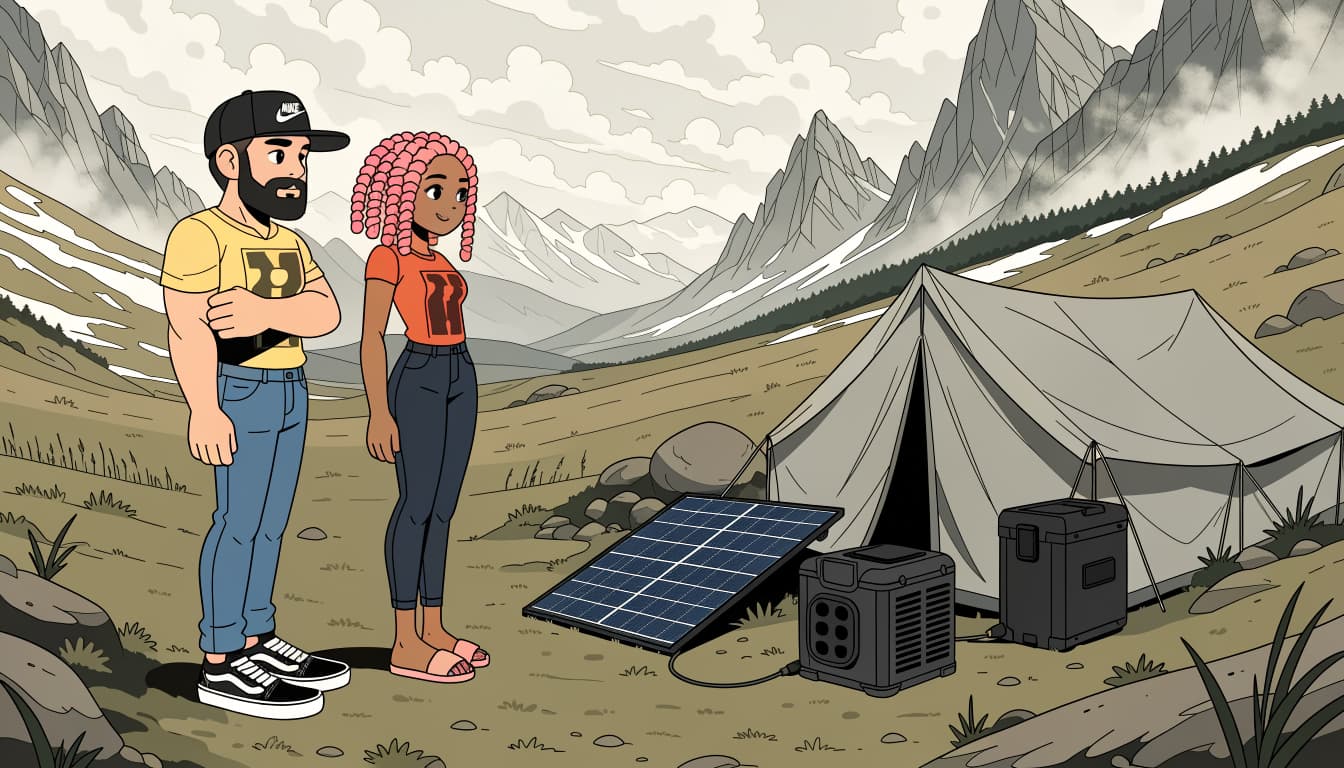
Match battery capacity to your real overnight use
Run your exact device, mask, and battery through a full night at home. Then plan for more capacity than that one test suggests, rather than building a trip around a best-case estimate. Confirm the battery's connector and compatibility with your device before packing it.
If you're flying to the trail, the battery's watt-hour rating matters for carry-on rules. The FAA's battery limits for passengers explain how watt-hours affect what you can bring.
Use solar as a backup, not a guarantee
A panel's advertised wattage isn't the same as stored power available overnight. Clouds, shade, season, panel angle, and charging losses all affect what ends up in the battery. Use a compatible battery buffer and keep a backup plan. Direct solar operation alone is a shaky plan for gear you need every night.
Pack and Protect Your CPAP for Trail Conditions
Keep the machine, battery, mask, and small parts protected from rain, condensation, dust, impact, and freezing. Put cables and accessories together so they don't scatter through your pack like tiny, expensive loot drops. At camp, place the device somewhere stable and easy to reach.
Keep the machine and battery within their limits
Temperature limits vary by device and battery. The AirMini's listed operating range is 41 to 95°F, which is a model-specific example, not a universal CPAP rule. Cold can also affect batteries, so check the operating and storage limits in the manuals for your exact equipment.
A dry protective bag can help shield gear from rain and condensation. Keep the machine's airflow clear as its manual directs; weather protection shouldn't block the air it needs.
Test your full sleep setup before the trip
Try the whole setup for a full night at home, including the device, mask, battery, charging method, and humidification choice. In the morning, check for leaks, discomfort, dryness, and how much charge remains. That simple trial can expose a connector mismatch or a comfort issue before you're days from the nearest outlet.
Travel Safely With CPAP and Know When to Get Help
For air travel, carry your CPAP and spare batteries in the cabin. Check your airline's current CPAP policy and whether your seat has usable power. Don't assume a USB port can run your machine.
The FAA generally allows spare lithium-ion batteries up to 100 Wh in carry-on baggage. Batteries over 100 Wh and up to 160 Wh need airline approval, with no more than two larger spares. Protect the terminals from short circuits and keep spare batteries out of checked baggage. The FAA's lithium battery guidance covers these limits.
Plan for elevation with your clinician
Tell your prescribing clinician your route and expected sleeping elevation before departure. Device altitude features don't replace medical advice, and you shouldn't stop or alter prescribed treatment without guidance.
Get medical help for serious breathing trouble, confusion, a severe headache, or other acute altitude-illness symptoms. Those are not "let's see how I feel after breakfast" signals.
Keep your cabin baggage practical
Keep the battery's watt-hour information available, and protect exposed terminals so they can't contact metal objects. Airline rules and seat power differ, so plan for the flight and the trail as separate power problems. The FAA also explains that spare batteries must stay in carry-on baggage, even if your larger pack goes into the hold.
Streetwear & Casual Styling
Once the sleep gear is sorted and the trail clothes are dry, campsite downtime can be comfortable without turning into a fashion side quest. A breathable graphic tee, easy-moving bottoms, and a warm layer work for hanging around camp. Keep your actual hiking clothes practical, dry, and ready for the next day.
Our Nature Is My Wifi Tee brings a little offline irony to the campsite. The Nature Is My Group Chat Tee makes the same point with a different punchline. Wear what fits your style, then keep the sleep setup focused on sleep.

Frequently Asked Questions
Can you use a CPAP without a humidifier while backpacking?
Some people are comfortable with a waterless humidifier or no humidification, while others notice dryness or discomfort. Test the arrangement at home and ask your clinician before changing a prescribed setup.
How many nights will a CPAP battery last?
There isn't one reliable number for every device and user. Battery capacity, pressure, mask, altitude, leaks, and other setup details affect runtime, so test your exact system and bring reserve power.
Can a solar panel power a CPAP overnight?
A panel alone isn't a dependable overnight source because sun, shade, weather, and charging losses change the energy available. A compatible battery buffer gives you stored power after dark.
Can you bring a CPAP battery on a plane?
Spare lithium-ion batteries up to 100 Wh are generally allowed in carry-on baggage. Batteries over 100 Wh and up to 160 Wh need airline approval, with a limit of two larger spares; confirm current rules with your airline.
Make the Plan Before the Trailhead
Before you leave, confirm your plan with your clinician, check your device manual and route elevation, and test the complete setup at home. Pack enough safe power for every night, plus a reserve.
The machine's weight matters, but reliable therapy and your health matter more than shaving a few ounces from your pack. Keep the setup that works, then build the trail plan around it.