

Nice Facebook Timeline Cover Pictures That Feel Like You
Your Facebook cover gets a whole lot of space to announce your vibe. It could be a soft sunset, a cat on the moon, or a glitchy graphic that says you have opinions about boss fights. Search for "nice pictures for facebook timeline cover for girls" and you'll find plenty of options, but a cover that feels like you takes a little more thought.
You can find picture ideas here, then choose, crop, and upload one that works across screens. You'll also learn how to check whether an image is yours to use, because an accidental art theft arc is nobody's favorite.
Start with the mood you want someone to recognize at a glance.
Key Takeaways
- Pick a cover around your interests, whether that's flowers, travel, pets, music, anime, or gaming.
- Give one strong image room to breathe. Tiny quotes and crowded collages rarely survive a narrow banner.
- Use 851 × 315 pixels as a common starting size, then preview the crop on your phone and desktop.
- Check image permissions at the original source, even when a picture appears on Pinterest.
- Let your cover and profile photo share a color or mood without making them identical.
Where to find nice pictures for facebook timeline cover for girls
A good cover starts with a picture you'd still like if nobody else saw it. That rules out a surprising number of glitter quotes. Look through your own camera roll first, then explore original artwork, licensed photo libraries, and editable designs.
Choose a cover style that feels like you
If you like a softer look, try close-up flowers, hazy skies, or pale colors with plenty of empty space. A travel photo can feel more personal when it's somewhere you visited or hope to go. Even the view from your usual weekend walk has more character than a random beach you'll never recognize again.

Cute animals work too. Your pet is an obvious main character, but a licensed illustration can give the same cozy energy. If your tastes run louder, look for original anime-inspired art, gaming imagery, or sharp shapes with high contrast. A music-inspired cover might show headphones, concert lights, or a photo you took at a show. You don't need to copy an album cover to show what you're into.
Choose by mood and subject, not by a label someone else assigned your style. Your favorite color, hobby, or running joke is a better starting point than whatever an image search thinks girls are supposed to like.
Make a simple photo feel special
A strong picture often needs one small change. Try a gentle color filter that matches your profile photo, or make a collage of two or three related shots. A self-written quote can work if it's short enough to read without squinting. Initials can add a personal touch without turning the banner into a name tag.

Keep words away from busy details and leave breathing room around them. Facebook covers are wide and fairly shallow; the tiny text that looks clever in an editor may become microscopic on a phone. If your image already has a strong focal point, let it do the talking.
Want to build one instead of hunting through pictures? This Canva walkthrough gives you a starting point for arranging a cover.
Choose and crop a Facebook cover photo that looks good on every screen
The same picture can look great on your laptop and oddly headless on your phone. Give the crop as much attention as the image itself.
Use a wide image and protect the center-safe area
851 × 315 pixels is a commonly recommended starting size for a personal profile cover. That's roughly a 2.7:1 shape, so a landscape image fits more comfortably than a portrait selfie. It isn't a promise that Facebook will show every pixel in exactly that arrangement.
For context, Adobe's Facebook image-size guide lists different desktop and mobile display dimensions. App layouts can change, too. Keep faces, lettering, and the one detail you care about near the middle. Let skies, walls, and other less important parts reach the edges.
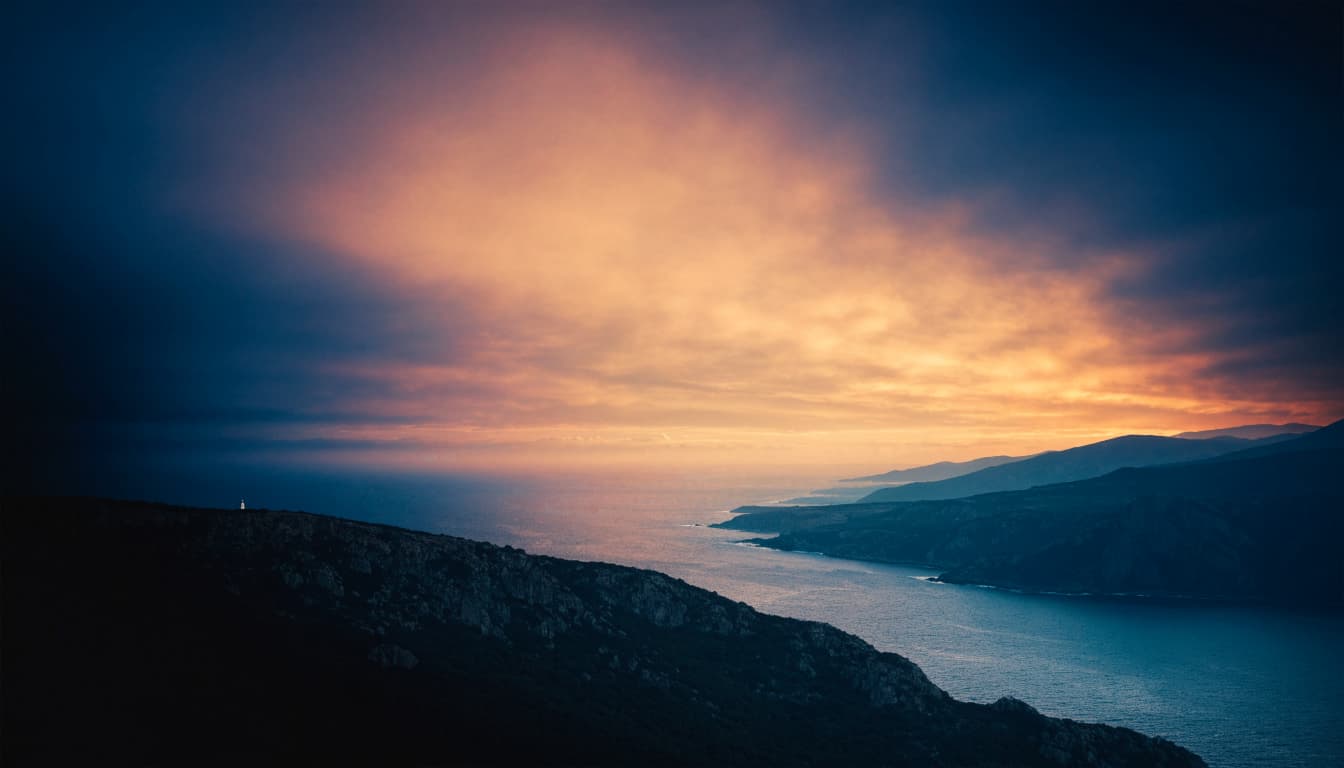
You can prepare a larger image for extra editing room. 1702 × 630 pixels keeps the same proportions as 851 × 315. You may also see 1640 × 624 suggested; it's a larger canvas with slightly different proportions, so expect to check the crop. Neither is a Facebook requirement.
Treat the center as your safest space, not a guaranteed box. The real test is how your uploaded cover looks on each device.
Pick a file type and preview the crop
JPG is a sensible choice for a cover built around a photograph. PNG can keep edges cleaner when you're using graphic shapes or text. If your file loads slowly or looks fuzzy, try a smaller export or a different format. File-size tips are optimization advice, not a reason to assume Facebook rejects anything above a particular number.
Before uploading, open your image at approximately banner size. Can you still read the quote? Does a pale word disappear against the sky? Check both before you commit. Canva's Facebook size guide can help you set up a canvas, but the preview on your actual profile matters more than a template.

Upload the image through your profile's cover-photo controls, adjust its position if Facebook offers that option, and save. Then look at your profile on a phone and a desktop. If your cat's ears vanish or a word gets clipped, edit the original image and try again. Cropping is normal; losing the entire punch line isn't.
Find images you can use with confidence
Your own photos and drawings are the simplest place to begin. For something different, browse Unsplash or Pexels for photography, and Canva for templates and basic edits. Search terms such as "night sky," "flower close-up," or "dark abstract background" usually turn up more useful results than a broad search for "cute cover."
Check the current license for the specific image or design before downloading and using it. Look for restrictions on edits, attribution, recognizable people, and commercial use if the cover is tied to a business or promotion. A free-to-browse image isn't automatically free for every purpose.
Match your cover photo to your profile and personal style
Your cover and profile picture share a screen, so it's worth seeing them as a pair. They don't need matching filters or coordinated costumes. One shared detail is enough to make the page feel intentional.
Balance colors, details, and your profile picture
If your profile photo is a close-up with a colorful background, a calmer cover gives it room. A simple sky, one flower, or an open stretch of color can frame your face without fighting for attention. If your profile picture is minimal, you have more room for a detailed illustration or a busy concert photo above it.
Try repeating one or two colors across both images. A purple light in your selfie could echo a violet accent in an abstract cover. A green jacket might sit nicely beside a photo of trees. You don't need an exact match; you want the two images to look like they belong to the same person.
Check the combination on your profile rather than judging the files separately. Watch for a profile picture that hides the best part of the cover, especially in a mobile layout. Also think about what your cover shares publicly. A favorite cafe is a cute memory; a photo showing your home address is considerably less cute.
Streetwear & Casual Styling
Your cover can share a mood with your everyday style, if that's your thing. A dark anime-inspired graphic might pick up the same sharp shapes or bold colors you like wearing. A sunset cover could sit beside warmer, laid-back outfit photos. Clothes aren't required to make a good cover; they're another way to express a style you already have.
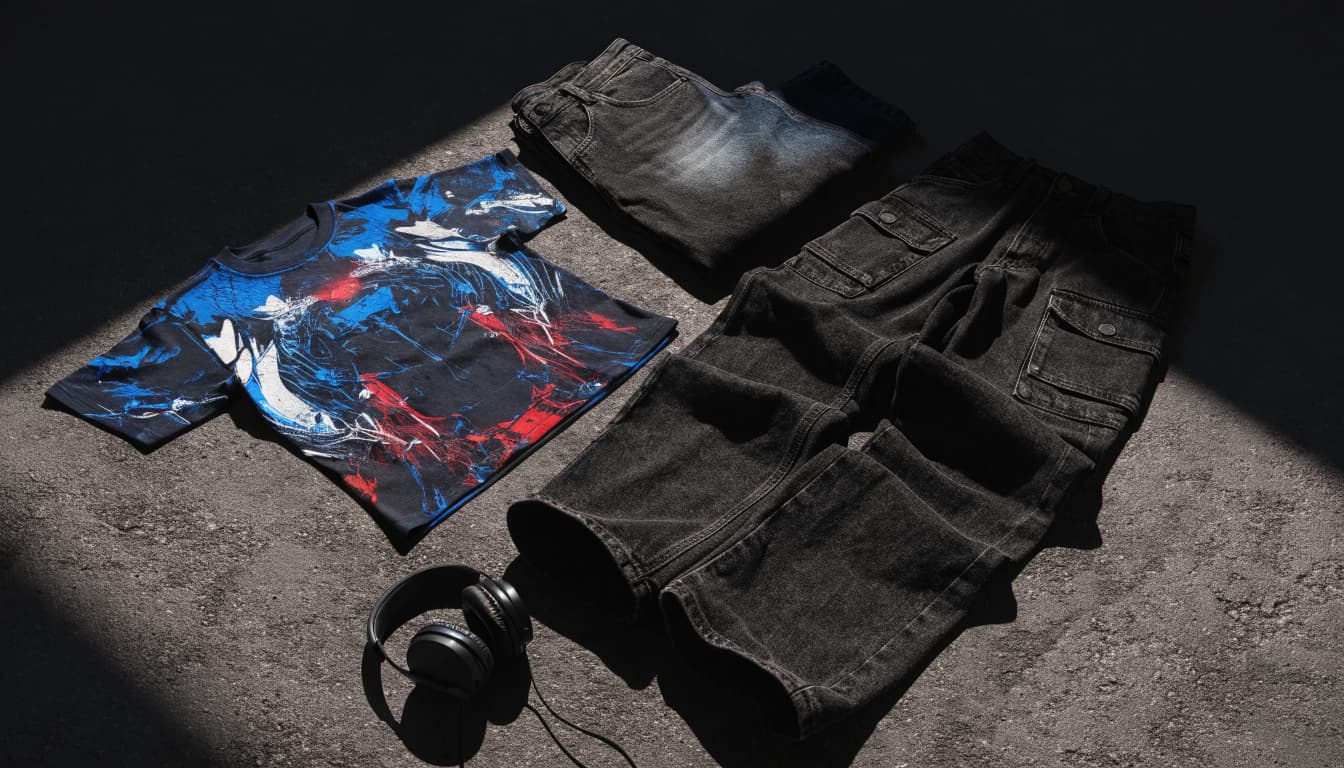
For a casual look with some edge, pair bold Cyber-Brutalist Anime Graphic Tees with relaxed cargos or dark-wash denim. Add a loose overshirt if you like layers, and let the artwork carry the fit. You can borrow the shirt's color palette for a graphic cover without placing a product photo on your timeline.
If you're figuring out how much visual chaos an outfit can handle, these anime-inspired graphic tee outfit tips offer ideas. Your profile can nod to your closet or go in a completely different direction. Both are yours.
Frequently Asked Questions
What size should your Facebook cover photo be?
Start with the commonly recommended 851 × 315 pixels for a personal profile cover. Facebook's display and crop can vary by device, so don't treat those dimensions as a guaranteed visible area. Preview the finished upload on your phone and desktop.
Can you use a photo from Pinterest as your cover?
Finding a picture on Pinterest doesn't give you permission to reuse it. Follow the pin to its original source and check who made the image and what use they allow. If you can't confirm the rights, choose another image.
How do you keep text from being cut off on mobile?
Put important words near the center and leave generous space at both ends. Keep the text large enough to read at phone size, then preview your cover on a phone before saving it. Shorter copy gives the crop fewer chances to ruin the joke.
Can you change your Facebook cover photo whenever you want?
You can update your cover when you're ready for a fresh look. After each change, check the crop and how the new image sits beside your profile picture. A great picture still needs a quick layout check.
Make the Cover Yours
Your cover doesn't have to pass someone else's aesthetic test. Pick a picture tied to your interests, whether that's a photo you took, a soft illustration, or something with full gamer energy.
Before you upload it, make sure you have permission to use it and give the crop a look on different screens. If the important details survive and the image still feels like you, your timeline has its main character.