

Mitsubishi TV Remote Codes Comcast Users Can Try
You can use an Xfinity or Comcast remote for basic Mitsubishi TV controls, including power, volume, mute, and input. The annoying part is that the correct code depends on your remote model and TV setup, so one code can work perfectly while another gets ignored like a side quest you never accepted.
For Mitsubishi TV remote codes Comcast users can try, start with the current Xfinity favorite, then use the official pairing flow before you start smashing buttons in random combinations. You'll get the main code, the model-aware setup paths, and fixes for the usual remote-control nonsense.
Key Takeaways
- Start with 10810 if you have the XRA Large Button Voice Remote and need a five-digit Mitsubishi code.
- A green indicator light only means the code was accepted, not that every TV control works.
- Test power, volume, and mute before calling the setup finished.
- Voice setup is usually faster than manual entry on compatible Xfinity remotes.
- Older XR2 and XR5 remotes can use different codes and setup steps.
Mitsubishi TV Remote Codes Comcast Users Can Try First
The first code to try is 10810. Xfinity lists it as the "Most likely code" for Mitsubishi TVs on its XRA Large Button Voice Remote guide. If it fails, don't panic-scroll through 47 sketchy code lists. Try the next compatible code one at a time.
| Try this order | Mitsubishi TV code |
|---|---|
| First | 10810 |
| Next | 11685 |
| Then | 11791 |
| Then | 11786 |
| Then | 12337 |
| Then | 11712 |
| Then | 11913 |
A code only counts as successful when it controls your TV reliably. If power works but volume does nothing, you have a partial match, not a finished setup.
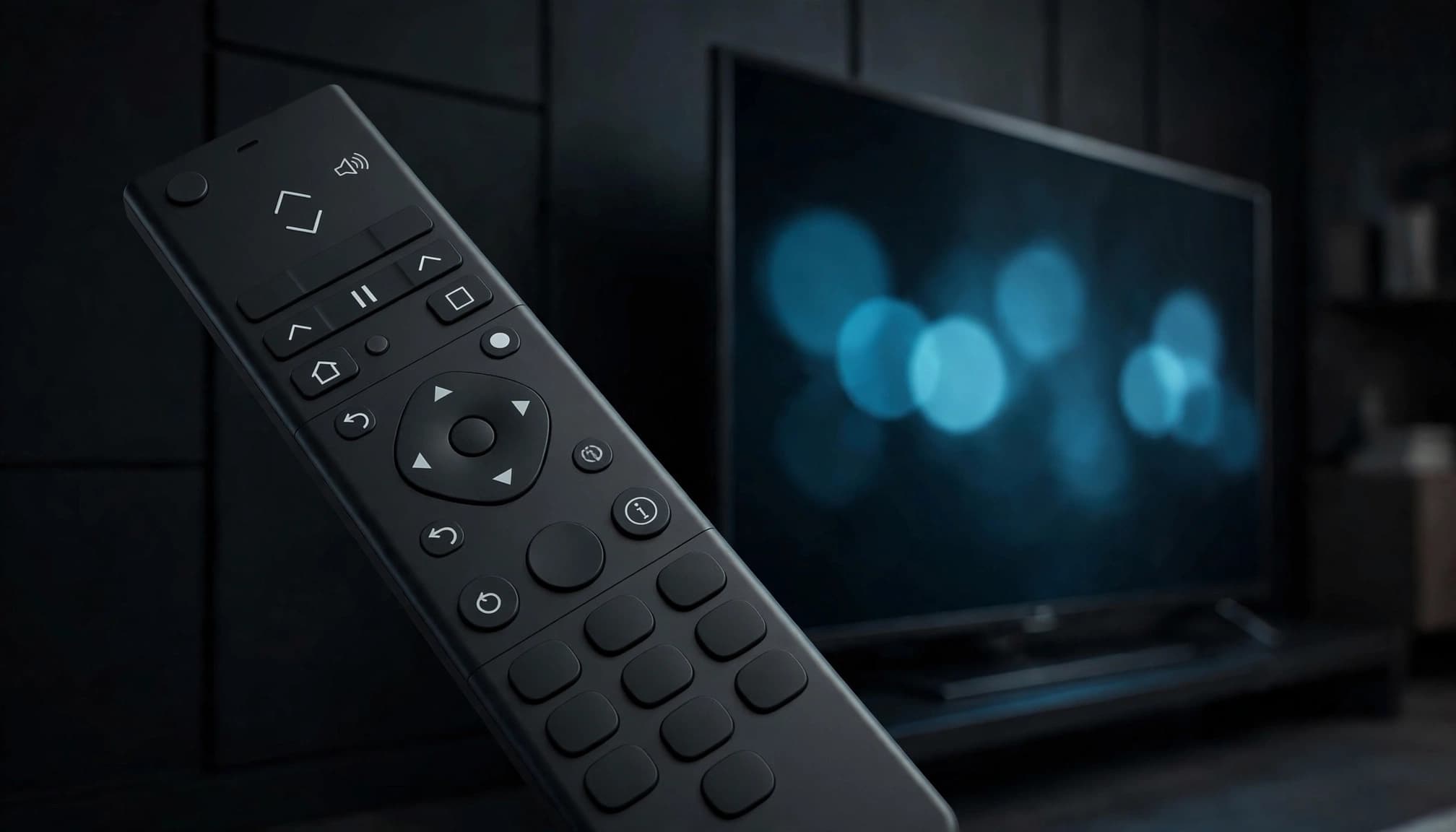
Start With Code 10810
Use 10810 first when your Xfinity remote asks for a five-digit Mitsubishi code. The XRA remote code guide calls it the most likely match, which makes it the least chaotic place to begin.
Enter one code, then test TV power, Volume Up, Volume Down, and Mute. Keep the other codes nearby, but don't enter several back-to-back. The remote needs one clean attempt at a time, not a speedrun.
Why Mitsubishi Code Lists Do Not Always Match
Mitsubishi code lists can differ because Xfinity has several remote generations, TV families vary, and remote code databases get updated. A legacy Digital Adapter Remote may use an older Mitsubishi list, while an XRA voice remote uses the codes above.
Don't treat a random third-party code list as sacred tablet lore. Use the code lookup and pairing steps that match your remote model. If your remote's light accepts a code but the TV ignores volume, that code is not the one.
How to Program Your Xfinity Remote for a Mitsubishi TV
Pairing your remote to an Xfinity TV Box is not the same thing as programming it for your Mitsubishi television. The TV Box handles channel controls and menus. The TV setup adds power, volume, mute, and sometimes input control.
First, remove the battery cover and find the remote model number. Xfinity recommends identifying the model before setup, since an XR2, XR5, XRA, and other Voice Remotes don't all use the same button ritual. The Xfinity remote control guide points you to the matching instructions.
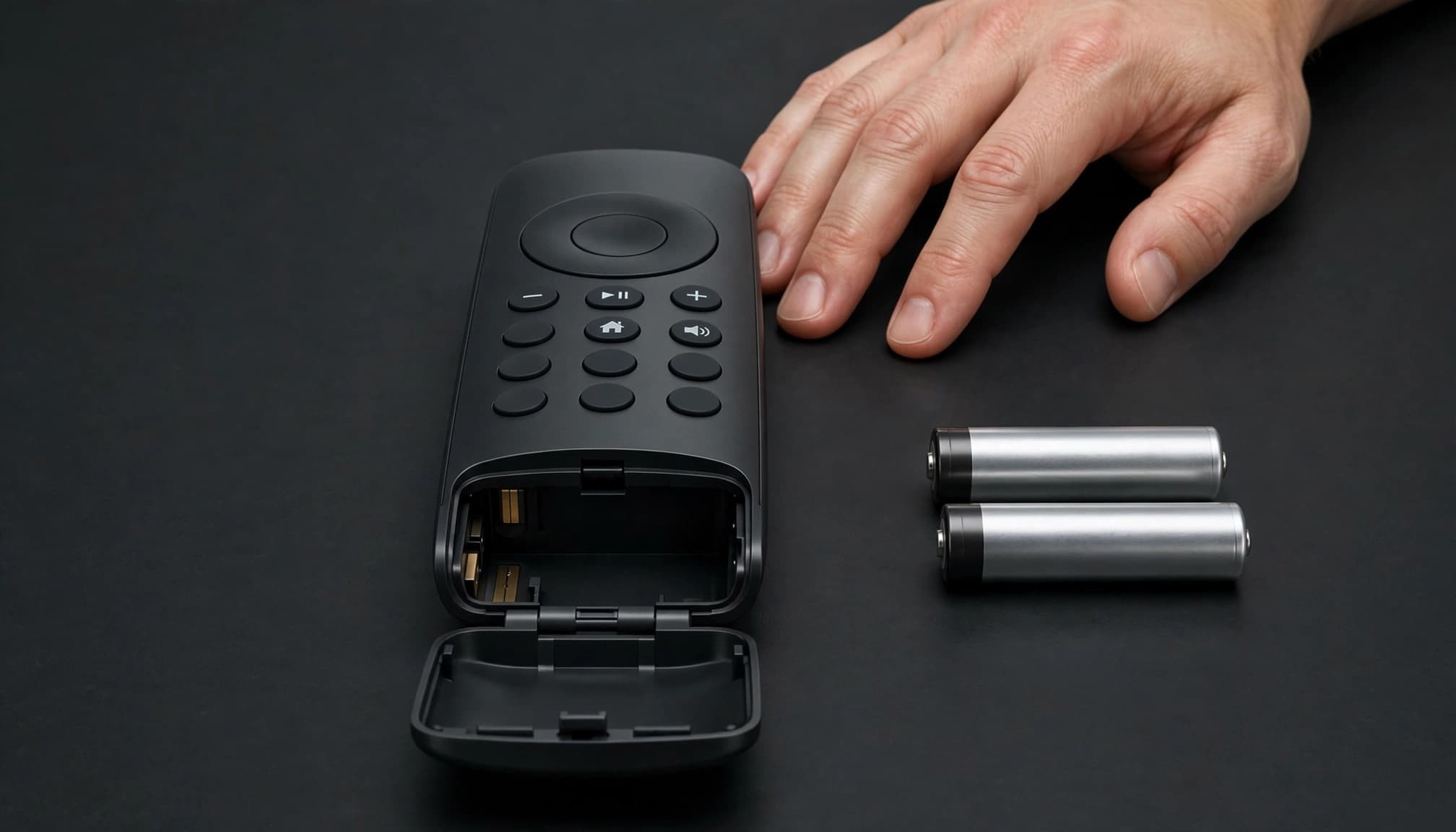
Use Voice Setup When Your Remote Supports It
If your remote has a Microphone or Voice button, this is usually the fast path. Point the remote at your TV Box, press the Voice button, and say "Program remote." Then follow the on-screen prompts.
Choose Yes when the screen asks whether you want to control TV power and volume. Enter Mitsubishi as the TV brand, select OK when the box says it is ready to pair, and test the controls before leaving the screen. Xfinity's voice remote setup instructions cover that flow for compatible X1 equipment.
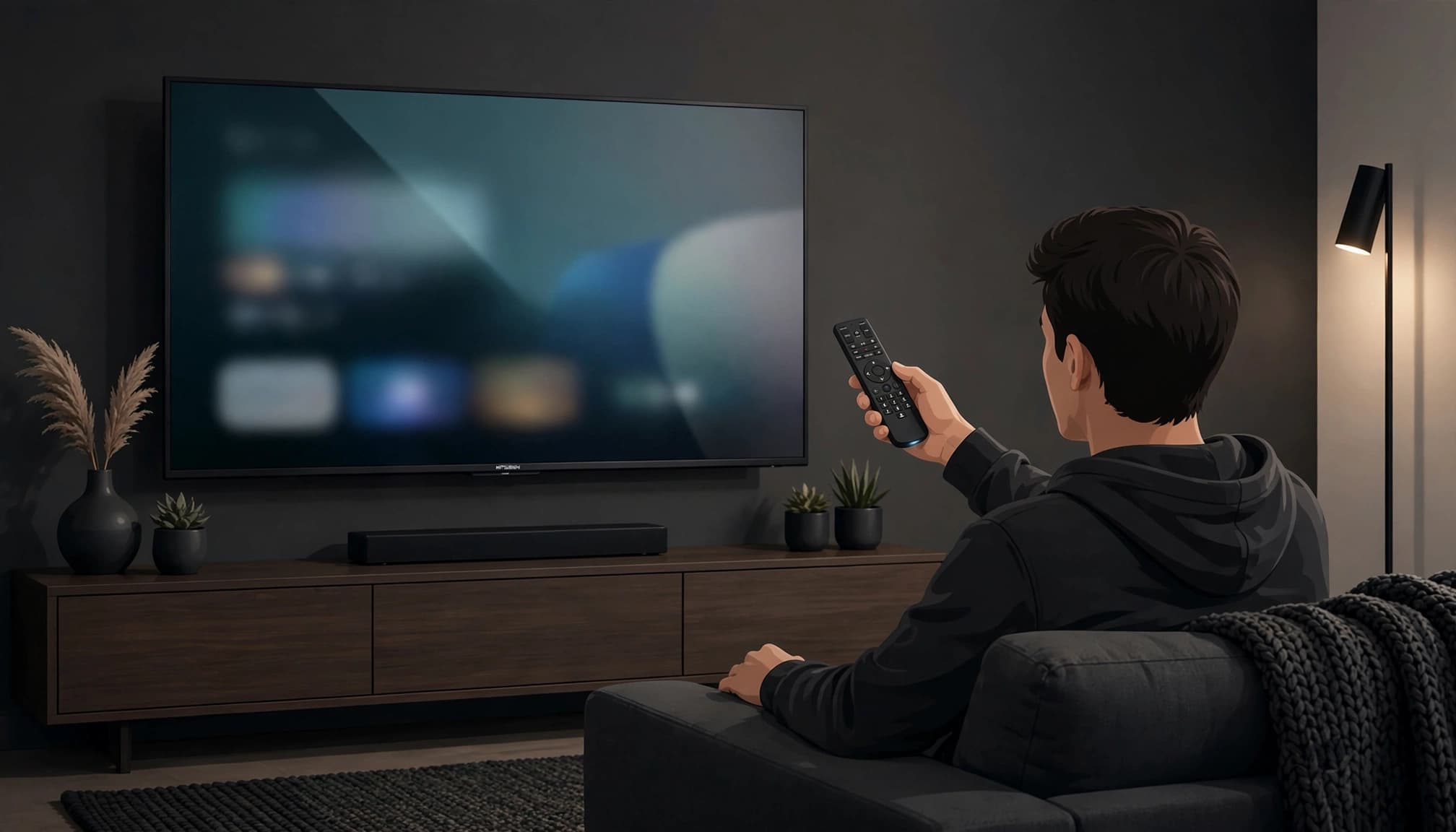
Use Manual Code Entry on Compatible Remotes
For an XRA Large Button Voice Remote, hold Home + Mute for five seconds. When the light changes from red to green, enter the five-digit Mitsubishi code. A valid entry makes the light blink green twice. A bad code produces a red blink followed by green, which is the remote politely telling you "absolutely not."
Some older remotes use a legacy method instead. Hold Setup until the top or All Power light changes from red to green, enter 9-9-1, then press Channel Up until the TV turns off. Press Setup to save the result. This method may not apply to newer voice remotes, so use the XR2/XR5 legacy remote instructions only when they match your hardware.
What to Do When the Mitsubishi TV Code Does Not Work
Most failed setups are not permanent remote doom. You may have a code that only handles power, a remote still linked to another device, a tired battery set, or a pairing method your TV Box doesn't support.
Work through the simple stuff first. Stay close to the TV Box, confirm the Mitsubishi TV is on, and restart the setup from the beginning. If the pairing screen never appears, check that your Xfinity equipment supports the method you're trying.
If Power Works but Volume or Mute Does Not
Power control is only half the boss fight. If your Mitsubishi TV turns on but volume or mute fails, the code is probably a partial match or the TV control setup did not finish.
Try the next Mitsubishi code and repeat the full test. Don't assume everything is programmed because the remote woke the TV up. Volume Up, Volume Down, and Mute are the receipts.
A remote light can approve a code while your TV rejects its commands. Test the buttons that matter before you exit setup.
If Pairing Fails or the Remote Controls the Wrong Device
Confirm your remote model, replace weak batteries, and stand close to the TV Box while restarting setup. If you have a compatible XRA remote and the normal flow stalls, Home + Info can open a fallback pairing path.
Some cable boxes don't support every pairing option, especially older hardware. A factory reset is the final boss, not the opening move. Use only the reset button combination shown in Xfinity's programming instructions, because resetting can erase the remote's existing settings.
Frequently Asked Questions
Does the Mitsubishi TV need to be turned on during setup?
Yes. Keep the TV on so you can see whether a code controls it and whether the Xfinity setup screen responds correctly. The legacy Channel Up scan also depends on seeing the TV turn off.
How do I find my Xfinity remote model number?
Remove the battery cover and look for the model information inside the compartment. That tiny label matters more than most random code-list screenshots, because it tells you which Xfinity instructions fit your remote.
Does a green light mean the remote is fully programmed?
No. A green confirmation light means the remote accepted the entry. You still need to test power, volume, and mute on the Mitsubishi TV.
Can I use 10810 on every Comcast remote?
No. 10810 is the first code for the XRA Large Button Voice Remote's five-digit setup. Older remotes may use different code lists or the 9-9-1 scanning method.
Should I reset the remote before trying another Mitsubishi code?
No. Try the next listed Mitsubishi code first. Resetting clears existing settings, so save it for when normal setup and re-pairing attempts have failed.
Get Your Mitsubishi TV Controls Back
Find your Xfinity remote model first, then try 10810 when your remote uses five-digit Mitsubishi codes. Use the official on-screen pairing flow when it appears, and test power, volume, and mute before you call it done.
Code lists differ because remote models differ. That's normal, not a cursed Comcast side quest. If the first code fails, move to the next one and test again until your remote controls the TV like it should.