

MMD Outfits: Find Clothes That Fit Your Model
When you search for MMD outfits, you're usually looking for clothing for MikuMikuDance 3D models, not a special file type. You might need a complete dressed character, separate clothing assets, or help fitting clothes to an existing model.
The useful question is what you want to change, and how much editing you're willing to do. A gorgeous jacket becomes less gorgeous when your character's elbows escape through it.
Start by choosing the right download type, then check permissions, fit, and movement before committing to the look.
Key Takeaways
- Choose a ready-dressed model for a simpler workflow, or separate clothing when you want more control.
- Check the intended model base, creator permissions, and included files before downloading.
- PMD and PMX are model formats; "MMD outfit" is informal shorthand.
- Match Blender and MMD Tools versions using the project's current guidance.
- Test poses, textures, and physics in MMD before publishing. A clean standing pose doesn't prove the outfit survives choreography.
Tired of your 3D model's elbows escaping their sleeves? Rep the glitch in real life with the Cyber-Brutalist 'Wireframe Rigged' Tee—built for creators who prefer their anime aesthetics raw and unpatched.
What MMD Outfits Mean and What You Can Download
MMD stands for MikuMikuDance. "MMD outfit" can describe a dressed model, a separate clothing mesh, an accessory, or a clothing-editing tutorial.
PMD and PMX are common model formats supported by MMD Tools on Blender Extensions. Neither extension guarantees that your download contains an entire character or clothes ready for your particular base.
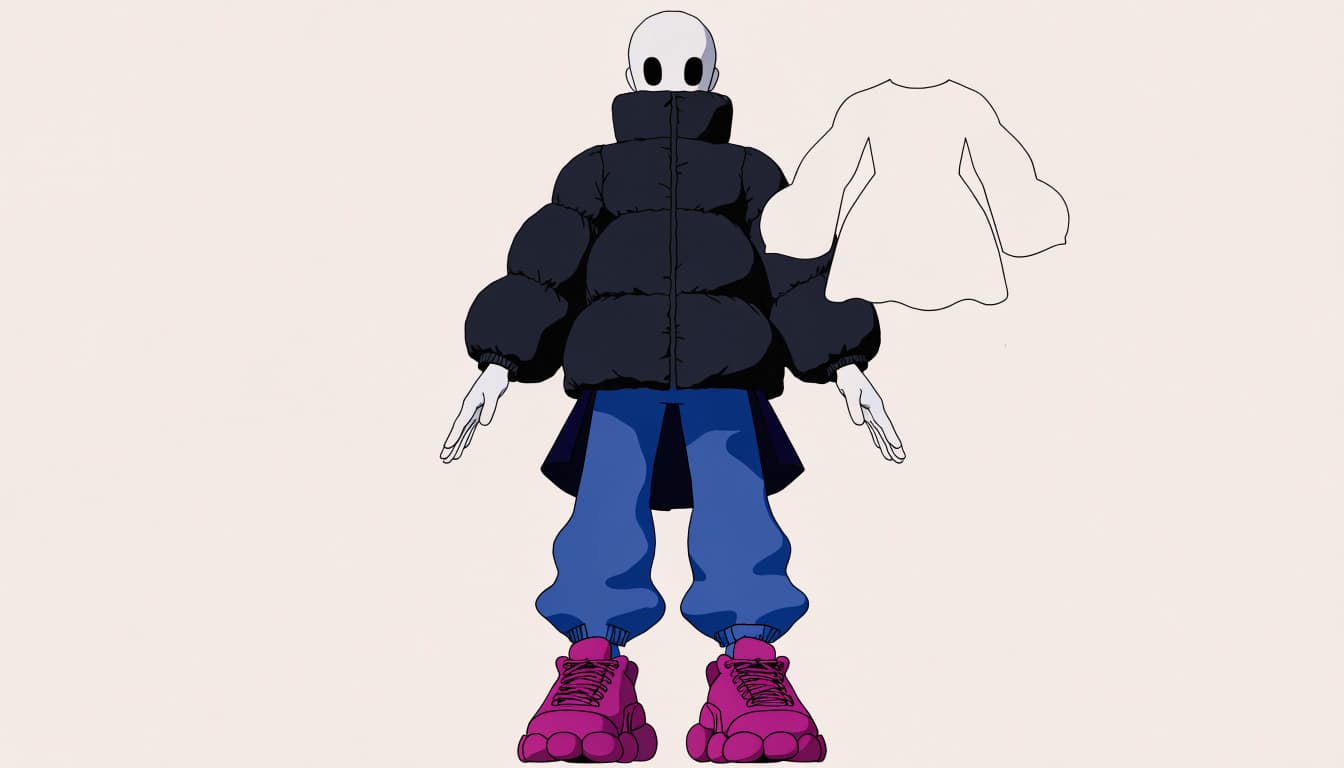
Choose an outfit type that matches your project
A ready-dressed model is usually the simpler choice when you want to animate rather than rebuild a wardrobe. You still need to check its rules and test it, but you avoid fitting a separate garment yourself.
Separate clothes give you more control over your character's silhouette, colors, and styling. That freedom comes with homework. Check whether the asset names a compatible model, body base, or required setup.
Search phrases such as "MMD outfit download," "MMD clothes PMX," and "fit clothes to MMD model" target different needs. Add your model's name when you know it. Otherwise, you're asking the internet for pants and hoping destiny handles the measurements.
Explore styles without assuming one look fits every model
Try searches for idol outfits, school uniforms, gothic or lolita clothing, fantasy armor, casual streetwear, or cyberwear. These are style directions, not a popularity leaderboard.
Look at proportions as closely as the thumbnail. A fitted blazer and oversized hoodie make different demands on shoulders, sleeves, and movement.
Keep your character's recognizable colors or shapes in mind. You can change the wardrobe without erasing their visual identity. A recognizable silhouette helps when your final camera shot is wide and the details become tiny.
How to Find, Fit, and Test MMD Clothes
Once you've found a promising asset, check its terms before opening your editor. Keep an untouched backup so experiments don't eat your only copy.
Check the creator's rules before downloading
Look for a README, text file, PDF, or rules webpage attached to the download. Read it alongside any rules for the underlying character or model base.
Check editing, redistribution, monetized videos, and commercial use separately. Permission to post a dance video doesn't automatically permit sharing your edited model.
Save the terms with the asset, including attribution requirements and the creator's name. If the wording doesn't cover your intended use, ask before publishing. "The download button worked" is a terrible licensing strategy.
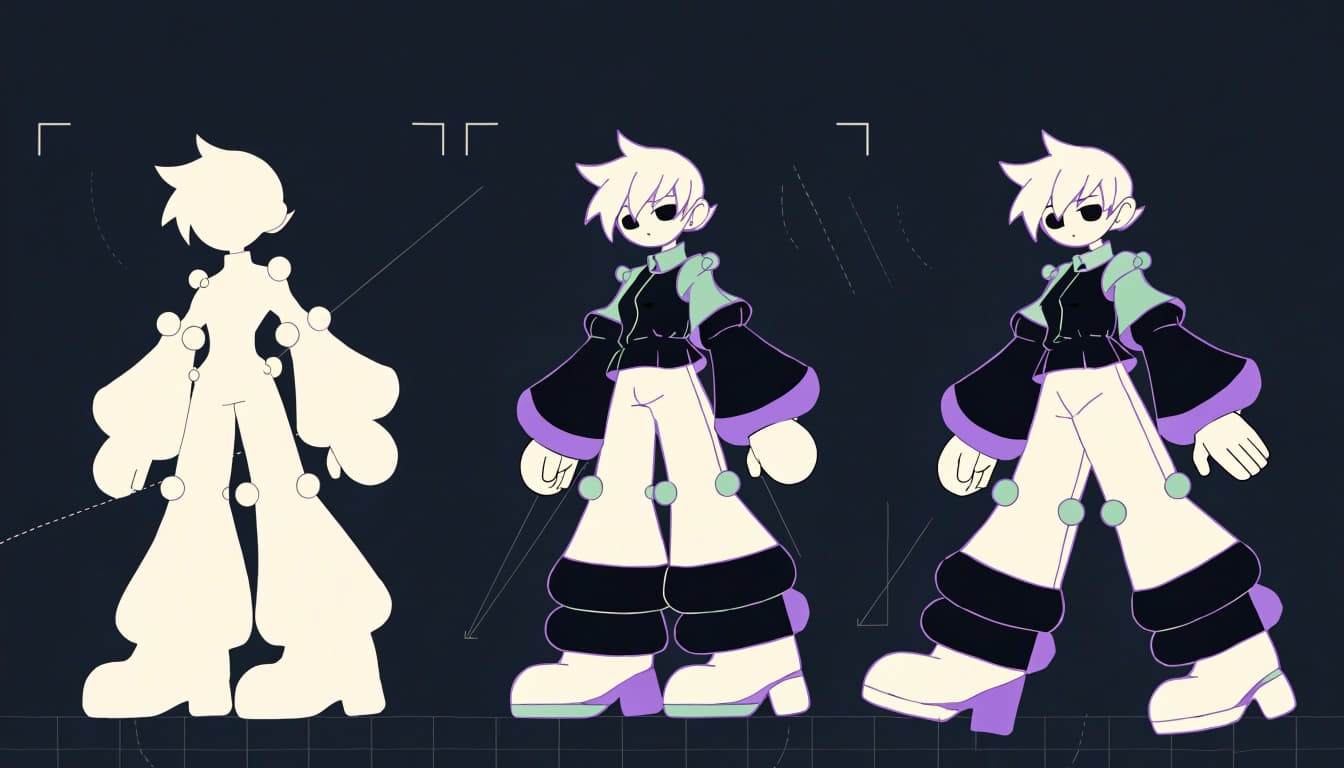
Adjust clothing with PMX Editor or Blender MMD Tools
PMX Editor is a separate tool used in MMD model workflows. LearnMMD's PMX Editor tutorials can help you identify an appropriate editing approach.
Blender's MMD Tools imports PMD and PMX models and exports PMX. It's not intended to replace PMX Editor, and importing clothes doesn't automatically tailor them.
The MMD Tools project guidance pairs Blender 4.2 LTS with MMD Tools v4.x, and Blender 3.6 LTS with v2.x. Check current compatibility guidance before installing.
For a visual introduction, watch "Adding Clothes" below.
Test Fit, Materials, and Movement in MMD
Opening successfully isn't proof of compatibility. Your outfit can load correctly and still sit too high, deform badly, or intersect the body.
Check the garment against your model's shoulders, waist, hips, and limb lengths. Inspect bones and how the clothing follows them. Sleeves that look fine with lowered arms may fail when you raise them.
Look at materials and textures next. Check that required image files are present and their paths still work. Missing textures can turn your carefully chosen outfit into an accidental placeholder-core debut.
If you're importing through Blender, the MMD Tools manual explains which model elements the importer can include. Also check the asset's notes for required plugins and software versions.
In MMD, try raised arms, bent elbows, seated poses, and a short section of your intended motion. Watch for clipping, gaps, unstable fabric, and accessories colliding with the body.
Test the motion you'll publish. A standing preview won't reveal what happens when your character sits, spins, or crosses their arms.
Return to your editing workflow for adjustments, then repeat the same test. Save versions as you go. Changing everything at once makes it harder to identify which edit fixed the problem.
Pick MMD Outfits That Match Your Character and Scene
Once the technical basics work, choose clothes that support the character and shot. Every buckle doesn't need its own dramatic entrance.
Balance detail with readability in motion
Layered accessories, long hair, and loose fabric can add movement and personality. They also create more opportunities for overlaps and physics problems.
Preview your MMD outfits from the front, side, and rear. Then check the actual camera distance. A design that looks excellent in a close-up may become visual static during a wide dance shot.
Give the outfit one or two clear focal points, such as a contrasting jacket or recognizable skirt shape. Keep smaller details subordinate. Your viewer should recognize the character before starting an archaeological survey of their straps.
If an accessory repeatedly distracts from the animation, simplify it when the creator's rules allow.
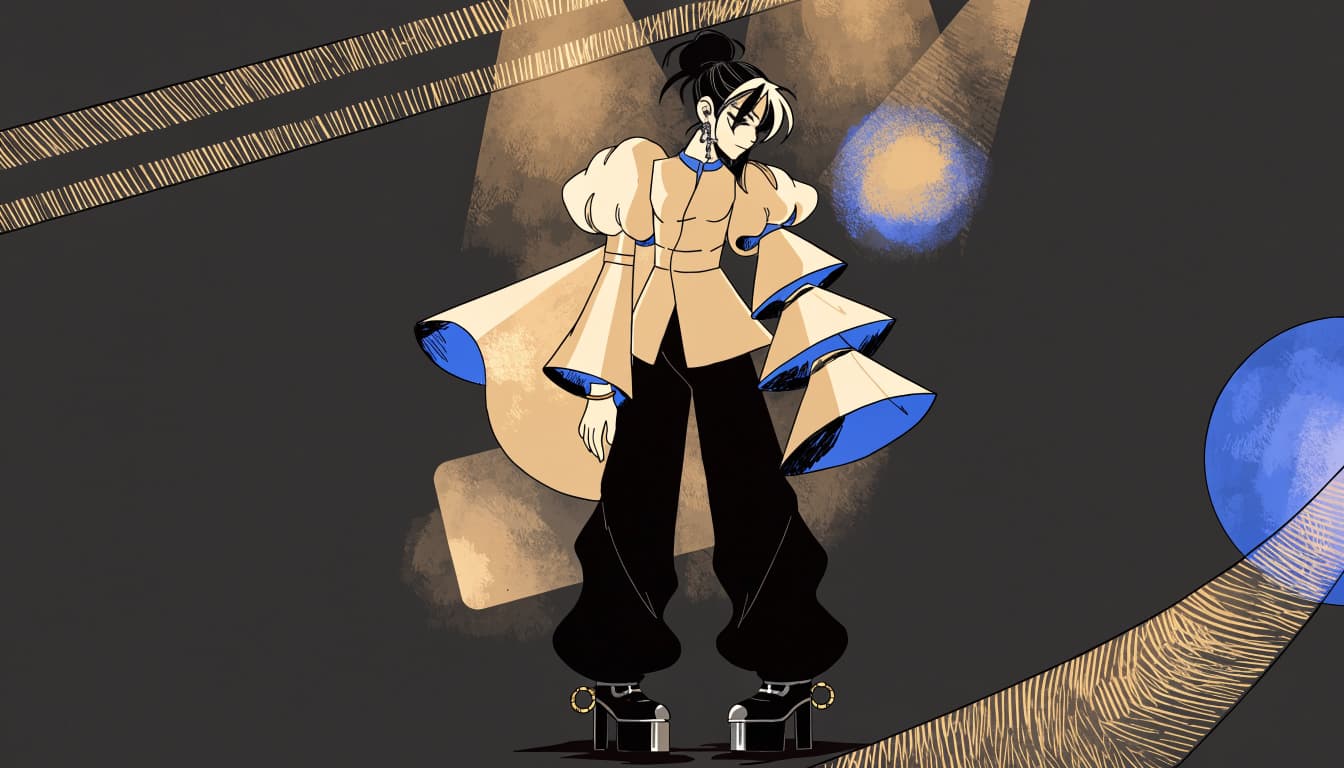
Match the outfit to the scene and character
A simple casual outfit works for an everyday conversation scene. A detailed idol look suits a performance where the costume belongs in the spotlight.
Fantasy clothes can support a magical setting. Restrained streetwear works for a city scene without competing with every building, light, and background object.
Check colors under your intended lighting. Dark clothes can disappear against a dark stage, while bright materials may dominate a softer scene.
Consider mood, too. Sharp shapes suggest a different attitude than loose layers. Choose deliberately rather than letting the download thumbnail make every decision for you.
Streetwear & Casual Styling
You can carry the same styling logic into your real wardrobe: choose a focal point, keep the silhouette readable, and give the artwork room.
TrendReactTees.STORE's Cyber-Brutalist Anime Graphic Tees give you a bold starting point. Pair anime artwork with relaxed cargos when you want an angular, utility-heavy look. Dark-wash denim keeps things simpler without making the graphic feel overdressed.
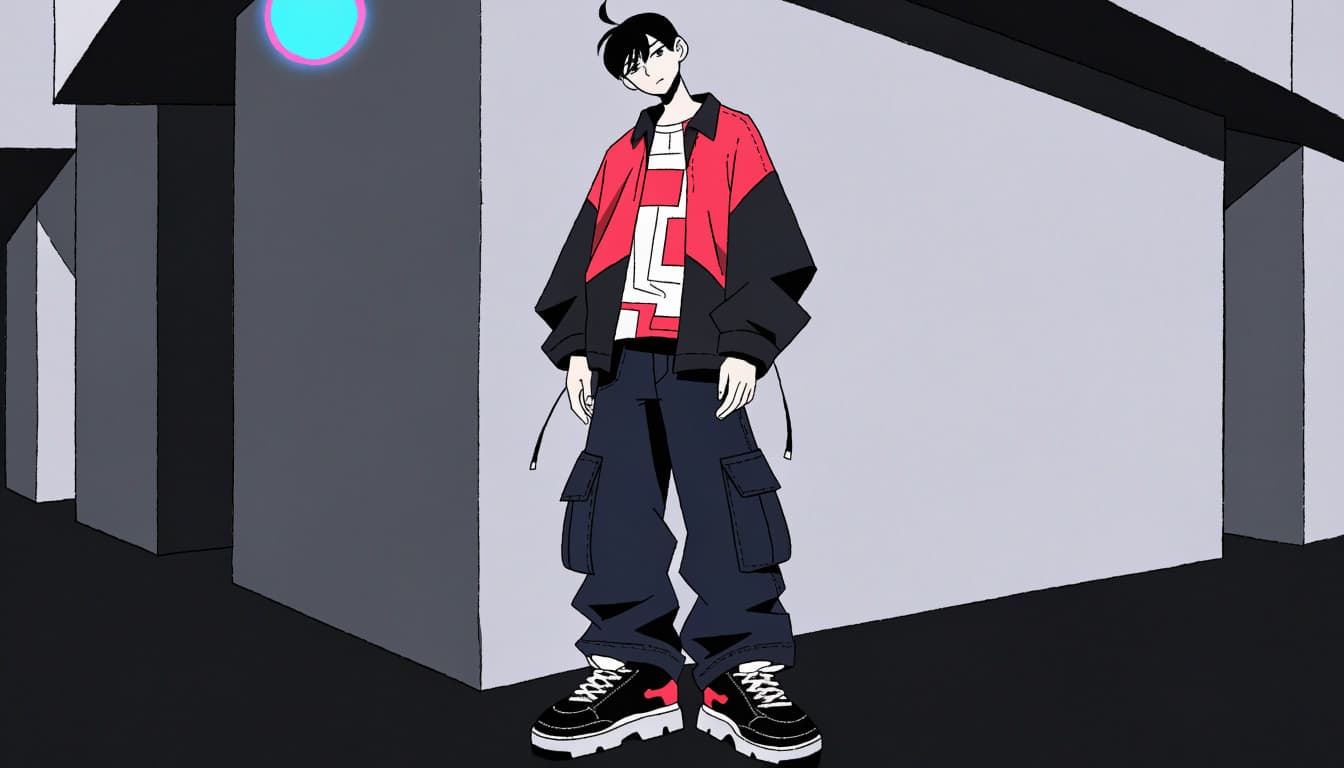
An open overshirt frames the print. A cropped jacket can work, too, provided it doesn't hide the part you bought the shirt for. Your favorite anime face shouldn't spend the day trapped behind a zipper.
For color, repeat one accent from the artwork in your shoes or accessories. Keep the remaining pieces restrained. These high-contrast graphic tee outfits offer useful combinations when the print is already doing the talking.
These are real-world clothing ideas, not downloadable MMD assets. Borrow the proportions and color relationships for your character, but source actual model clothing separately. Looking good in both places requires different files and considerably fewer texture folders in your closet.
Frequently Asked Questions
Are MMD outfits a separate file format?
"MMD outfit" is informal shorthand for dressed models, clothing meshes, and accessories. PMD and PMX are model formats, so check the download description to learn what you're getting. Keep included texture folders alongside the asset unless its instructions say otherwise.
Can you use the same outfit on any MMD model?
You can't assume universal fit. Models differ in proportions, bones, rigging, and materials, even when both use PMX files. Check the stated base and compatibility notes before deciding how much editing the outfit needs.
Do you need Blender to edit MMD clothes?
You don't always need Blender. Blender with MMD Tools is one option for working with PMD and PMX files, while PMX Editor is another tool used in MMD model workflows. Choose according to your task and the asset's instructions.
Can you use MMD outfits in commercial videos or games?
Commercial permission depends on the clothing creator's terms and any applicable character or base-model license. Monetized video permission doesn't automatically cover selling a game or distributing its assets. Verify your exact use with the relevant rights holders before release.
Give Your Character a Wardrobe That Works
Choose whether you need a dressed model or separate clothes before downloading. Check the intended base and creator rules, then use suitable tools to adjust what needs work.
Your final checkpoint is movement in MMD, with the textures, lighting, and camera you'll use. That's where a promising outfit proves it belongs in your project.
Careful testing gives you room to enjoy the styling. Your character gets a look that suits the scene, and their elbows stay inside their sleeves.