

RCA Universal Remote Codes for Sanyo TV: Setup Guide
Your Sanyo TV shouldn't require a side quest before you can watch something. When you're looking for RCA universal remote codes for a Sanyo TV, the important detail is your remote's exact model, because codes can differ by model and code-list version.
Older four-digit lists include 1047, 1204, 1078, 1080, 1121, 1129, and 1163, but those numbers aren't confirmed for every RCA remote. Check your remote's own Sanyo listing before trying them, especially if its instructions require five digits.
Start by matching the remote to its manual and code list, then program it and test the controls you need.
Key Takeaways
- The seven older four-digit Sanyo codes are 1047, 1204, 1078, 1080, 1121, 1129, and 1163.
- Those numbers belong to an older code-list family, so check compatibility before entering them.
- Match your RCA remote's full model number and code-list revision, then use the TV section.
- Test power, volume, mute, channels, and input before calling setup finished.
- If direct entry fails, follow your exact remote's documented search method.
RCA Universal Remote Codes for Sanyo TV: Which Numbers Should You Try?
For an older RCA remote with the matching code list, these are the documented four-digit Sanyo options:
1047, 1204, 1078, 1080, 1121, 1129, 1163
The secondary index Eliztech identifies these numbers with an older "v.3" list. Its grouping includes RCR412B and RCR3273/3373 models. That gives you a starting point for some older remotes, not blanket confirmation for every device wearing an RCA logo.
What the Older List Establishes
You can treat these seven numbers as candidates when your own remote's matching list contains them. Try one entry at a time, following that remote's instructions.
You shouldn't assume every RCR3273 package shipped with the same list revision. Even a familiar model family needs a closer look. The RCR3273R and RCR3373R manual is a useful model-specific reference, but you still need its accompanying code list.
Which Models Need Separate Confirmation?
For the RCR313BR, RCRN04GBE, and RCR414BHE, the available manual information doesn't confirm Sanyo code numbers. Don't assign the seven older codes to those models by guesswork.
The RCRN04GBE and RCR414BHE manuals specify five-digit entry. Adding a digit to an older code won't establish compatibility.
Your best starting point is the Sanyo entry in the code list supplied for your exact remote and revision. The TV brand alone can't tell you which RCA list applies.
How to Program Your RCA Remote for a Sanyo TV
Turn on your Sanyo TV using its own power button. Install working batteries in the remote, then identify its full model number.
Keep the TV's receiver area clear and work close enough to aim at it directly. You want a clean test, without a cabinet door auditioning as the final boss.
Use the Code List That Matches Your Remote
Look for the model number on the remote's back, inside the battery compartment, or on its packaging. Copy the whole identifier, including letters after the numbers.
Find the manual and code list for that exact model. If the list shows a revision or version, check that too. Similar-looking remotes don't automatically share instructions.
Use the TV section, then locate Sanyo. Don't borrow a Sanyo entry under another device category.
VOXX's RCR3273 and RCR3273Z programming instructions cover those named models. If yours differs, use its own documentation instead of copying the button sequence.
Enter a Code and Test the TV
Direct entry generally involves selecting the device, entering programming mode, typing a listed code, and checking the result. The exact buttons, timing, and indicator behavior depend on your remote.
Follow your manual's sequence without mixing in steps from another guide. Enter one Sanyo code, then complete the manual's confirmation process.
Test power, volume up and down, mute, and input selection. Check channel controls if you use the TV's tuner.
If a needed function fails, try the next Sanyo code in the correct list. For an older remote whose matching list contains the seven cited codes, test them individually. Keep a record of which numbers you've tried.
What to Do If the Sanyo Code Does Not Work
A failed code doesn't automatically mean your TV and remote are incompatible. First, check whether you used the correct list, device category, and entry procedure.
You don't gain much by repeatedly entering a code your remote wasn't documented to use. Give the troubleshooting a little structure.
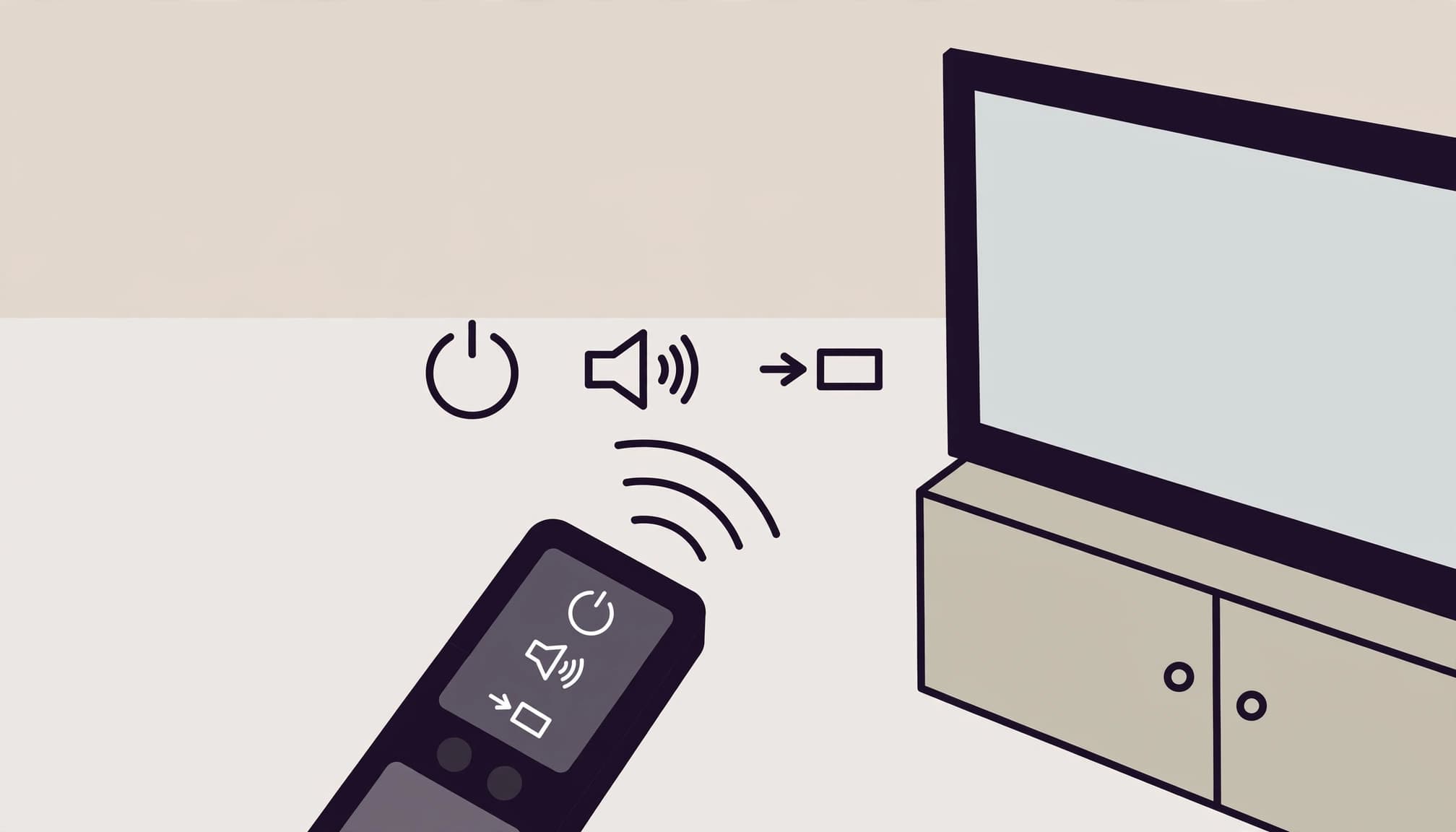
Check the Functions You Use Most
A code may turn your TV on and off while failing to control volume, mute, channels, or input. Power response is an encouraging first test, but it doesn't prove complete compatibility.
Try the buttons you use during an ordinary viewing session. Switch inputs if you move between a console and another device. Check both volume directions, then mute and unmute.
A code that controls power but fails input selection can still leave you reaching for the original remote.
If a needed control doesn't respond, try another Sanyo code from your matching list. Judge each entry by usable control, rather than a single successful button press.
Rule Out Setup Errors
Check the batteries before repeating programming. Weak batteries can make a test unreliable, and repeated attempts won't fix the power supply.
Confirm that you selected TV rather than another device category. Then compare your button timing with the manual. A missed hold, release, or entry window can derail setup.
Also check whether the code came from a different remote generation. Four-digit and five-digit lists aren't interchangeable shortcuts.
Once those basics are correct, move to the next listed code. If you've exhausted the matching Sanyo entries, check which search methods your remote supports.
Use Code Search Only as Your Manual Describes
RCA remotes may offer brand code search, auto code search, or manual code search. Your model determines which methods are available and how you run them.
Brand search works through a brand-related group of codes. Auto search advances through candidates automatically. Manual search lets you move through candidates yourself. Follow your manual for the actual button presses and how to save a result.
RCA's remote programming videos provide visual explanations of search methods. Match the method to your remote before copying a demonstration.
This Sanyo setup video demonstrates auto code search. Use it alongside your model-specific manual, rather than treating it as a universal button recipe.
When a search finds a code, test more than power before keeping it. If the controls you need still fail, follow the manual's instructions for continuing the search. Don't improvise a save sequence.
Streetwear & Casual Styling
For your outfit, Cyber-Brutalist Anime Graphic Tees give you a focal point: bold artwork, glitch-heavy visuals, and enough attitude to skip the accessory monologue.
Pair your tee with relaxed cargos for a loose silhouette, or dark-wash denim for a cleaner everyday fit. An open overshirt adds a layer without hiding the print.

Keep the surrounding pieces simple so your graphic doesn't fight three other prints for screen time. For more combinations, use the anime streetwear outfit guide. Your shirt can carry the visual chaos while the rest of your fit stays readable.
Frequently Asked Questions
Are RCA remote codes the same for every Sanyo TV?
You shouldn't assume one code works across every Sanyo TV. Compatibility depends on your RCA remote's model and code list. The available information doesn't confirm a separate code for every Sanyo TV model, so use your remote's listed candidates and test the result.
Can I use the older four-digit codes with a newer RCA remote?
Only treat them as candidates if your newer remote's own matching list supports them. The seven numbers here are identified with an older code-list family. If your remote requires five digits, don't pad an older number or borrow an entry from an unrelated list.
Why does the remote turn on my TV but not change the volume?
You may have found a code that provides partial control. Check the other functions, then try another Sanyo entry from the correct list. Also check which device produces your audio, since TV programming won't automatically configure a separate soundbar or receiver.
What if my RCA manual does not list Sanyo?
Confirm your remote's full model number and code-list revision, and check the accompanying TV code list. If Sanyo is absent, use a search method documented for that model. You can also contact the remote maker for model-specific guidance instead of borrowing unverified codes.
Get the Right Code, Then Check the Controls
Identify your exact RCA remote, use its matching Sanyo code list, and test more than the power button. Usable control is the goal, including the volume, mute, and input buttons you reach for every day.
The older four-digit options are 1047, 1204, 1078, 1080, 1121, 1129, and 1163. Keep them limited to remotes that use the matching older list.
If direct entry doesn't work, follow your model's documented search method. The right model-specific instructions are more reliable than guessing, and considerably less annoying than another evening of button roulette.