

How to See Snapchat Messages Without Recovery Scams
If you're figuring out how to see Snapchat messages, open the app, tap Chat, and select a conversation. You can read what's still available, but disappearing content doesn't come with an infinite respawn button.
You can save eligible messages and Snaps while they're accessible, then check limited account information through Download My Data. You can't count on restoring text or photos Snapchat has already removed, regardless of a recovery site's dramatic promises. Start with your conversation list, check your saved content, and keep the app's privacy limits in mind before chasing a missing message.
Key Takeaways
- Open Snapchat's Chat screen and select a friend or group to view available conversations.
- Saved text messages have a gray background, and other people in the conversation can see them.
- Snaps have limited viewing and replay options; expired content may no longer be accessible.
- Download My Data provides available account information, not guaranteed recovery of deleted conversations.
- Stick to official Snapchat features, and keep your password away from third-party viewers and recovery tools.
How to see Snapchat messages in your Chat screen
Your conversation list is the starting point. Use these steps on your own account:
- Open Snapchat and sign in if needed.
- Tap the Chat tab, or swipe right from the Camera screen.
- Select a friend's name or a group conversation.
- Review the messages and Snap indicators that remain.
App layouts change, so look for the Chat tab or conversation list rather than one exact icon position.
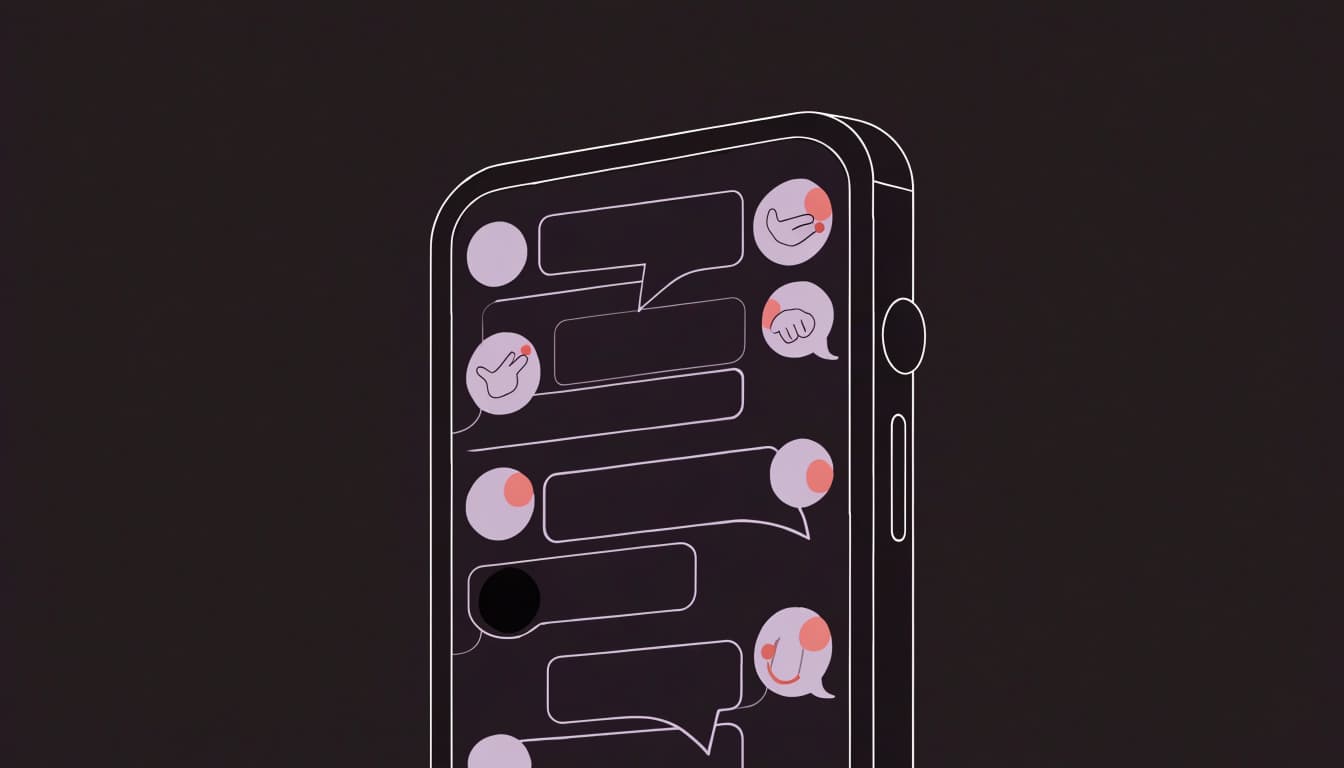
Open a conversation and check what's still available
Inside the conversation, you can read text messages that haven't disappeared and scroll through saved content. Saved messages have a gray background. In a one-on-one chat, both you and your friend can see them.
Look for status labels such as "New Chat," "New Snap," or "Opened." These indicate activity, but an opened status doesn't promise that the original content remains accessible.
Text Chat messages and photo or video Snaps behave differently. A visible conversation doesn't mean every attachment is still there.
View a Snap before it disappears
Tap an unopened Snap to view it. Afterward, follow any replay option Snapchat shows. Replay is limited; it doesn't create permanent access.
An opened or expired Snap may be unavailable even when its history appears in Chat. Snapchat's guidance on requesting Snap copies explains why you shouldn't expect an archive of disappeared photos.
For a visual reference, try this Snapchat chat walkthrough. Use the app's current labels if they differ.
Save messages so you can find them again
If a message matters, save it while you can access it. Future-you deserves better than searching for a vanished address five minutes before leaving.
Saving text, saving a received Snap, and saving your own content are separate actions. One doesn't automatically handle the others.
Save or unsave a Chat message
Tap a text message in Chat to save it. Tap it again to unsave it, as described in Snapchat's instructions for saving Chat messages.
The gray background confirms it's saved. Both participants can see that background in a one-on-one conversation; in a group, other members can see saved messages too.
Don't treat saving as private bookmarking. You're keeping the message inside a shared conversation.
Unsaving removes your saved status, but someone else may also have saved the message. It can remain visible if another participant keeps it saved.

Save a Snap or your own content
While viewing an eligible received Snap, press and hold it, then choose "Save in Chat" if offered. Eligibility matters: you won't get that option for every Snap.
For your own Snaps, your save settings can offer Memories, Camera Roll, or both. Choose the destination that fits how you want to find that content later.
To check your saved personal Snaps, swipe up from the Camera screen. Snapchat's guide to finding Memories covers that location.
Saving accessible content doesn't recover someone else's expired Snap or reverse a deletion.
Can you see old or deleted Snapchat messages?
You can see older messages if they're still retained or saved. Their age alone doesn't tell you whether they're available.
For ordinary one-on-one and Group Chats, Snapchat's default deletion timing is 24 hours after everyone views them or 31 days after sending, whichever comes first. Other deletion settings are available.
Saved, replied-to, or reacted-to messages may remain longer. Snapchat's Chat and Snap retention rules explain these differences.

Check chat settings and Download My Data
Open the conversation's settings and look for Chat and Notification Settings, or a similar label. Review its deletion timing. Available choices can include After Viewing, 24 Hours After Viewing, 7 Days After Viewing, or Never.
To request account information, open your profile settings and find My Data or Download My Data. Follow Snapchat's account data download instructions to select available categories and submit your request.
Categories can include Snap History, Saved Chat History, and Memories. That doesn't guarantee every conversation appears as a readable transcript.
Know when recovery is not possible
A viewed Snap may no longer be available once its permitted viewing or replay window ends. Unopened Snaps are also designed to disappear after 31 days.
Snapchat says it can't restore deleted Memories. Blocking someone can also make their conversation unavailable to you.
A data export can't be counted on to restore content already removed under Snapchat's retention rules. Changing a deletion setting won't bring that content back, either.
Treat promises to retrieve any deleted message as a warning. Your export isn't a resurrection spell, and a stranger's recovery app isn't one either.
Protect your account when looking for Snapchat messages
A recovery site asking for your Snapchat password has already told you too much about its business model.
Third-party message viewers, recovery apps, plugins, and websites may promise access to deleted conversations. Some also claim they can show another person's messages. Keep your login details out of all of them.
Unauthorized apps can put your account and your friends' accounts at risk. They may also violate Snapchat's terms. Curiosity about one missing message isn't worth handing over your entire account.
If you've installed an unauthorized tool, uninstall it. If you entered your Snapchat credentials, change your password through the official app or account settings. Choose a unique password rather than recycling one you use elsewhere.
Review your account's security settings and enable two-factor authentication if you haven't already. Be careful with verification codes, too. A code can help someone access your account even without asking for your password again.
A page that asks for your login before showing "recovered" messages can collect your credentials before proving it has anything to recover.
When checking how to see Snapchat messages safely, stay with your own Chat screen, Memories, and official account data options. Those features have limits. A stranger claiming unlimited access should raise alarms.
Streetwear & Casual Styling
Your outfit can carry the chaos without your account security joining in.
Build a casual look around a Cyber-Brutalist Anime Graphic Tee: bold artwork, relaxed cargos, and sneakers that don't fight the print. Dark-wash denim works when you want a cleaner silhouette.
For layered streetwear, add an open overshirt or cropped jacket. Keep enough of the graphic visible so the anime protagonist isn't trapped behind a zipper.
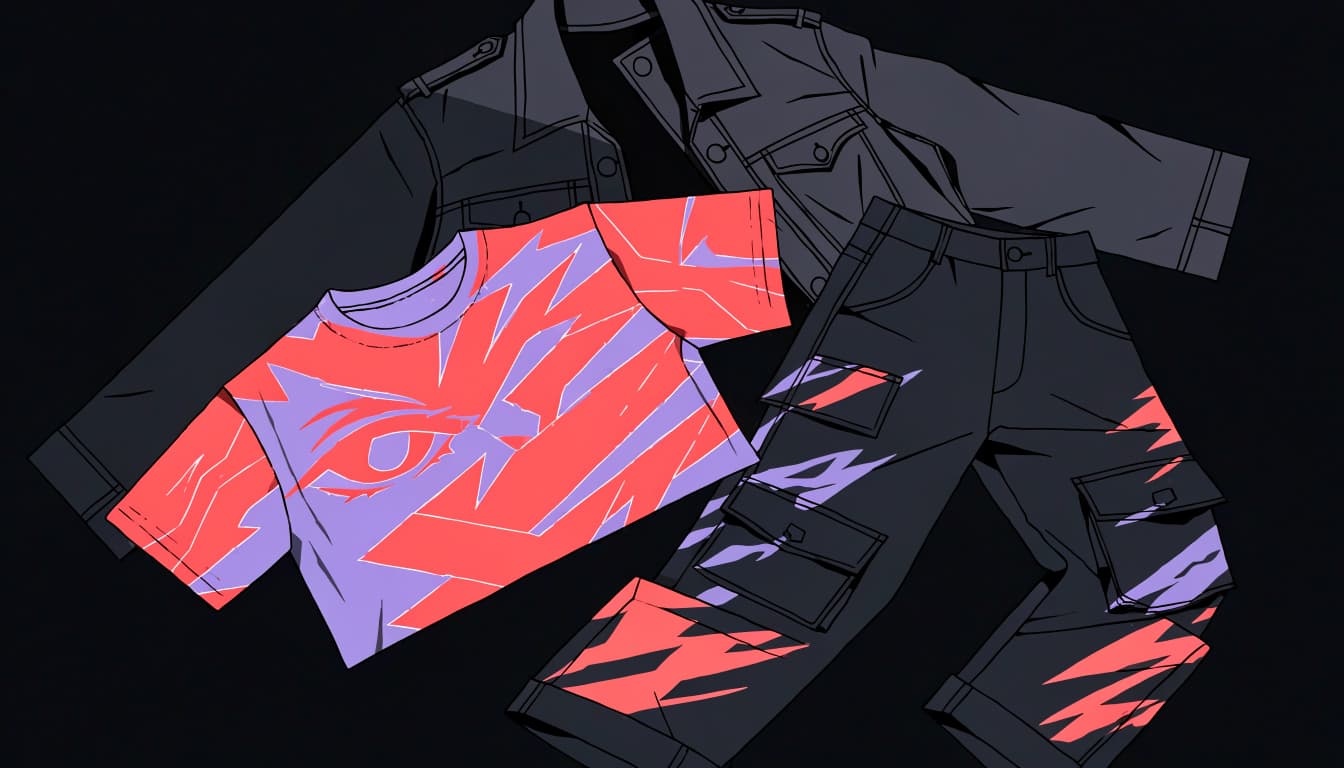
If you prefer a tighter palette, these black-and-white graphic tee outfit ideas give you more pairing options. Let the shirt make the statement; the rest of your outfit can relax.
Frequently Asked Questions
Can you read a Snapchat message without opening it?
Your phone's notification previews may show some message content if you've enabled them. They're incomplete and aren't a reliable way to read a full conversation. Preview visibility also depends on your phone's notification and lock-screen settings, so check those if privacy matters.
Can you see a Snap again after you open it?
You may get a limited replay option immediately after viewing. Follow whatever Snapchat offers at that moment rather than assuming you can return hours later. If the Snap has expired or is otherwise unavailable, its Chat history entry doesn't give you access to the original photo or video.
Does Snapchat tell someone when you save a message?
You should assume your saving action is visible within the conversation. Saved Chat messages have a gray background that both people can see in a one-on-one chat. That visible status matters even if the other person doesn't receive a separate phone notification.
Can Download My Data restore deleted messages?
You can request available account information, but you shouldn't expect deleted chats or expired Snaps to return. Snap History can describe account activity without containing the original viewable content. Snapchat also says saved messages may be unavailable in a download if you're no longer friends with that person.
Keep Your Messages, Not Someone's Recovery Promise
You can find available conversations through Chat, save eligible content before it disappears, and check limited account information through Download My Data. What's still available is the deciding factor, not how confidently a recovery tool advertises itself.
Before your next important conversation vanishes, save the messages you want to keep using Snapchat's own options. Remember that shared saves remain visible to other participants.
Use official Snapchat features, accept their recovery limits, and avoid any tool that asks for your password. Your missing message shouldn't cost you your account.
2 comments
My Messages Recovery
My Messages Recovery