

Virtual Interview Outfits That Pass the Webcam Check
Choosing virtual interview outfits gets weird when your webcam shows half your body and somehow amplifies every wrinkle. You want camera-ready polish without dressing like you've been assigned a corporate NPC skin.
A clean, well-fitting outfit gives you a reliable starting point, but the right neckline, lighting, and background matter too. You can keep your personal style while making sure the interviewer remembers your answers instead of your shirt's accidental strobe effect.
Start with a complete outfit, then adjust the formality and test how it looks through your actual camera.
Key Takeaways
- Build your outfit around clean, well-fitting pieces, such as a blazer, collared shirt, blouse, or structured knit.
- Wear appropriate bottoms too, because standing up shouldn't trigger an emergency side quest.
- Match the role and workplace, then dress slightly above everyday office expectations when guidance is unclear.
- Test solid colors, matte fabrics, lighting, and background contrast in your camera preview.
- Save loud graphic tees for after the interview unless the employer clearly welcomes that style.
For a visual walkthrough, watch Morgan Overholt's Zoom interview outfit guide.
Virtual Interview Outfits That Look Polished on Camera
Build a reliable outfit from simple pieces
Your safest baseline is a plain collared shirt or blouse with tailored trousers or a simple skirt. Add a blazer when you need more structure. For a less formal interview, a neat crewneck knit with chinos works well.
Choose pieces that let you sit comfortably without pulling across your chest or bunching at your shoulders. A stable neckline keeps you from adjusting your clothes between answers.
A blazer creates a defined shoulder line in a tight webcam frame. A structured sweater offers a softer version of that effect. Clean clothes and good fit matter more than expensive labels. Your interviewer isn't checking your outfit's rarity tier.
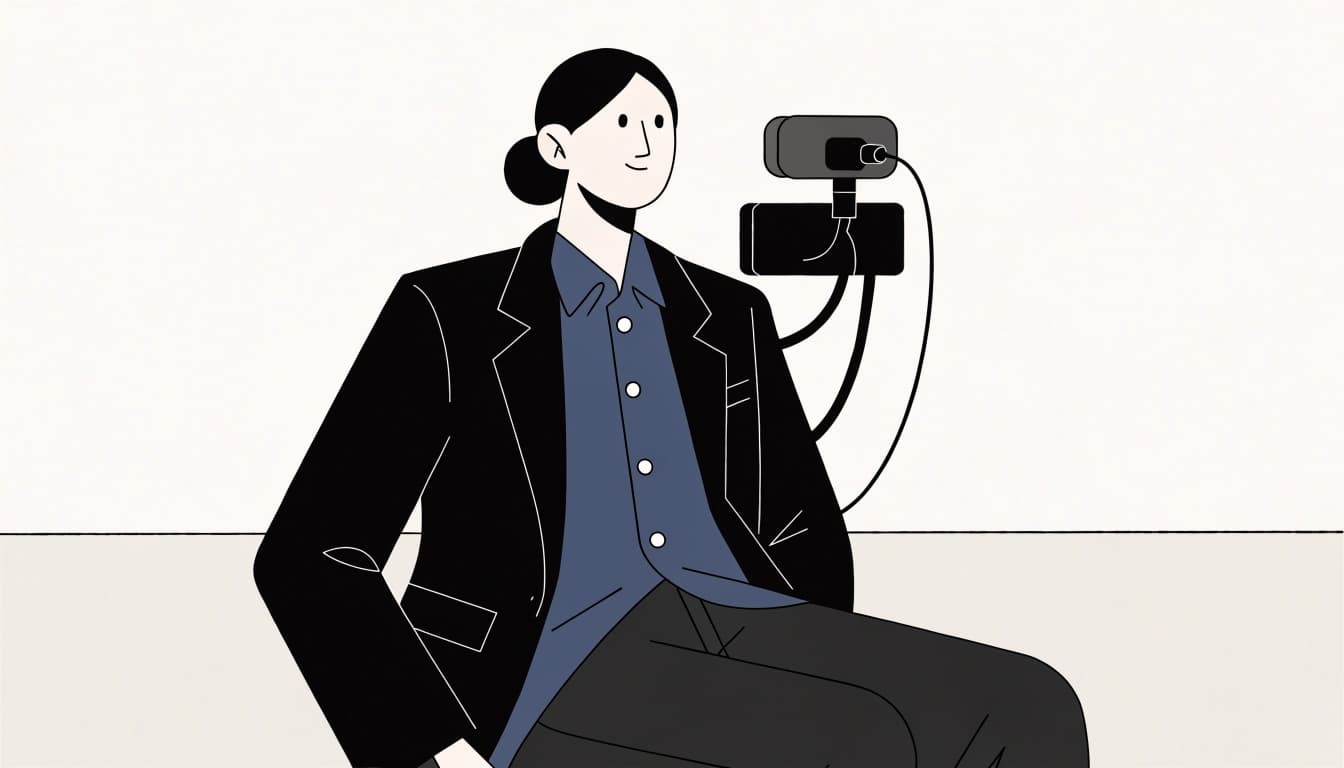
Dress for the whole interview, not just the camera crop
Wear appropriate trousers or a skirt even when you expect a shoulders-only call. You might stand up to close a door, grab a document, or fix your camera.
USC Career Center recommends dressing professionally head to toe. A complete outfit can also help you feel prepared before you join.
Choose bottoms that stay comfortable while seated, plus footwear appropriate to your setup. You shouldn't spend the interview thinking about a waistband digging into your ribs.
Indeed's Zoom interview clothing advice also recommends considering your background. A polished outfit still needs to look distinct from the wall behind you.
Match Your Interview Outfit to the Role and Workplace
Your virtual interview outfits should match the job you're discussing. Recruiter instructions come first; company photos and employee profiles provide clues when instructions are missing.
Choose formal pieces for traditional industries
For finance, law, and executive roles, a suit or similarly formal combination is often the safer starting point. Try a matching jacket and trousers, a blazer with a tailored skirt, or a structured dress.
Keep the shirt or blouse simple. Add a tie when the employer's guidance or visible workplace norms support one.
Check that your jacket sits comfortably when seated. Lapels should lie flat rather than crowd your face. A stiff outfit that needs constant maintenance becomes another task during an already demanding conversation.
If expectations are unclear, ask the recruiter: "Is there a preferred dress code for the interview?" That's preparation, not a fashion confession.
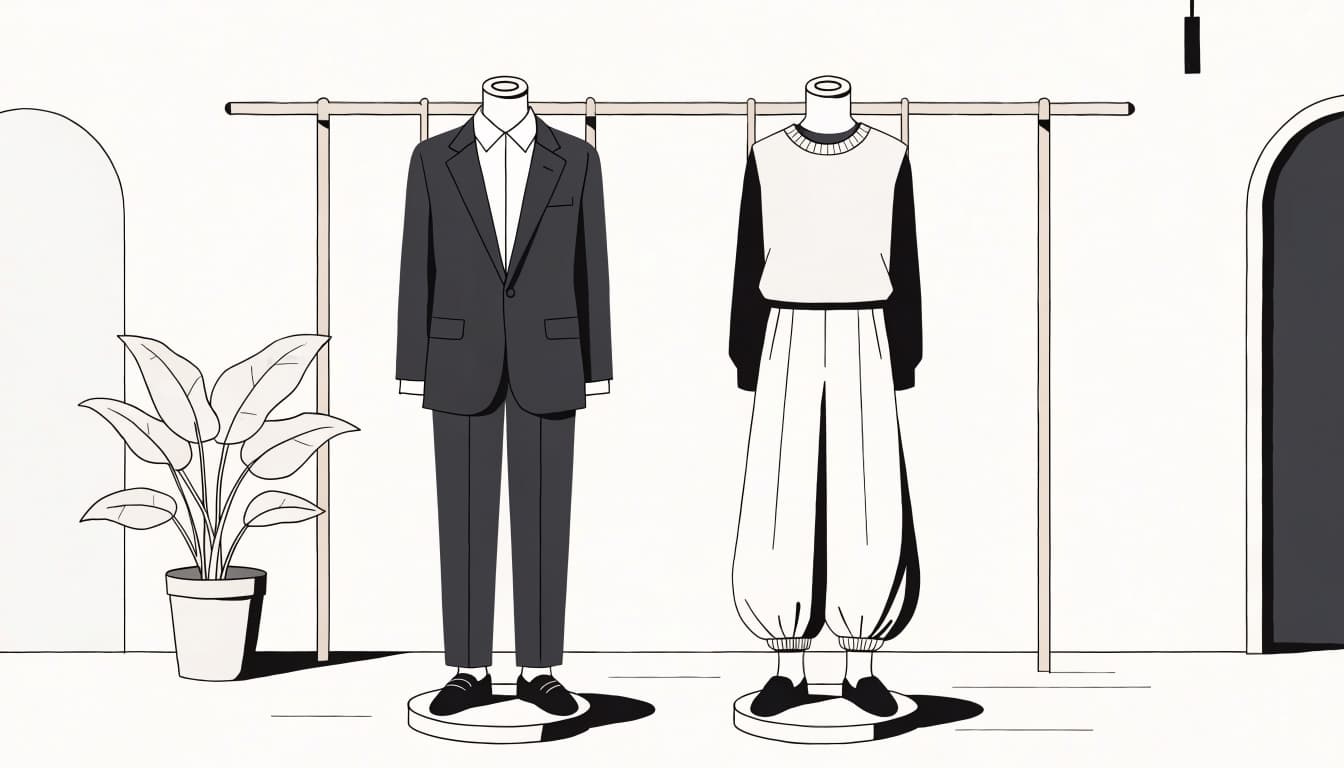
Keep creative and tech looks relaxed but intentional
For a casual tech or creative workplace, a polished knit, plain blouse, or collared shirt may be enough. Pair it with chinos, tailored trousers, or another neat bottom.
Check company team photos, but read the context. A retreat hoodie doesn't establish the dress code for a client-facing interview.
When you lack clear guidance, dress one step above everyday wear. Keep your preferred silhouette or a subtle accessory. Your personality can survive a plain shirt for an hour; it has endured worse patch notes.
Choose Colors and Fabrics That Work With Your Webcam
Use solid, mid-tone colors to keep the focus on you
Navy, charcoal, soft blue, and beige are useful options to test. Choose a shade that contrasts with your background and looks clear under your lighting.
Pure white can appear glaring in bright light. All-black outfits may lose detail in dim rooms, while neon colors can pull attention toward your clothes. These aren't universal bans; your camera's exposure settings change the result.
FlexJobs' video interview dressing guidance favors solid colors. Start there, then trust your live preview over a rigid color rule.
If your favorite shirt washes out, change the lighting before abandoning it. Your webcam doesn't get final authority over your wardrobe.
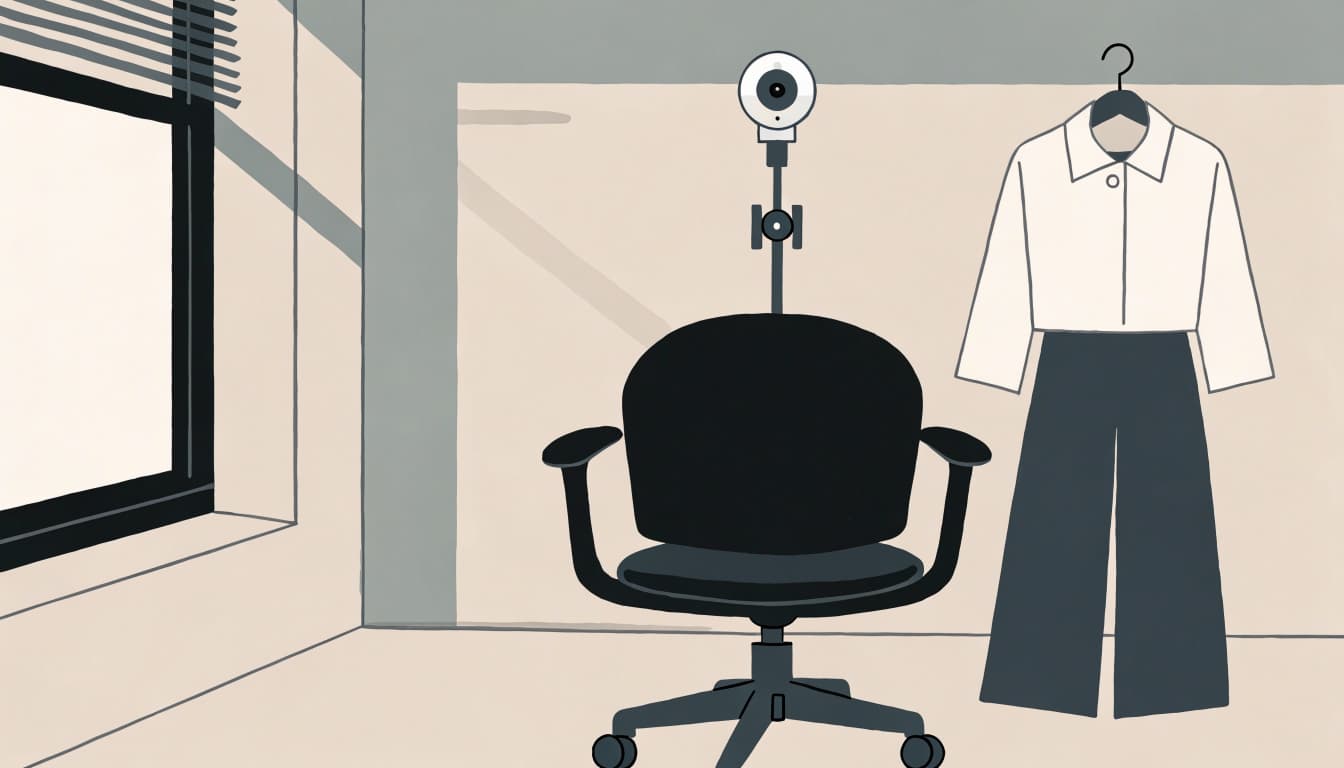
Skip tiny patterns and shiny fabrics
Fine stripes and small checks can create moiré, the distracting ripple or shimmer that sometimes appears on video. Busy prints may also look noisy when your connection reduces image quality.
Choose matte cotton, a smooth knit, or another fabric that doesn't throw bright reflections toward the camera. You don't need to memorize fiber blends. Look at how the actual garment behaves.
Try turning your shoulders and leaning forward during your test. Satin-like finishes, sequins, and metallic threads can catch light as you move.
A shirt that looks calm in a mirror can shimmer on video. Check it while moving, not only while sitting still.
Do a Quick Camera and Outfit Check Before You Join
Test your setup before interview day, then repeat a short check before joining. University of Tennessee-Knoxville recommends testing your platform, camera, microphone, and speakers in advance.
Test your outfit while sitting in the interview frame
Open the camera preview in the platform you'll use. Sit in your interview chair with your chosen outfit and any headphones you'll wear.
Place the camera near eye level and frame your head and upper torso. Leave enough space to move naturally without disappearing into the crop.
Run through these quick checks:
- Lean forward and sit back to see whether your neckline or jacket shifts.
- Raise your arms briefly to check pulling, gaping, or bunching.
- Speak a practice answer while watching for clothing adjustments you make automatically.
Fix anything distracting now. Your collar doesn't need its own subplot during the interview.
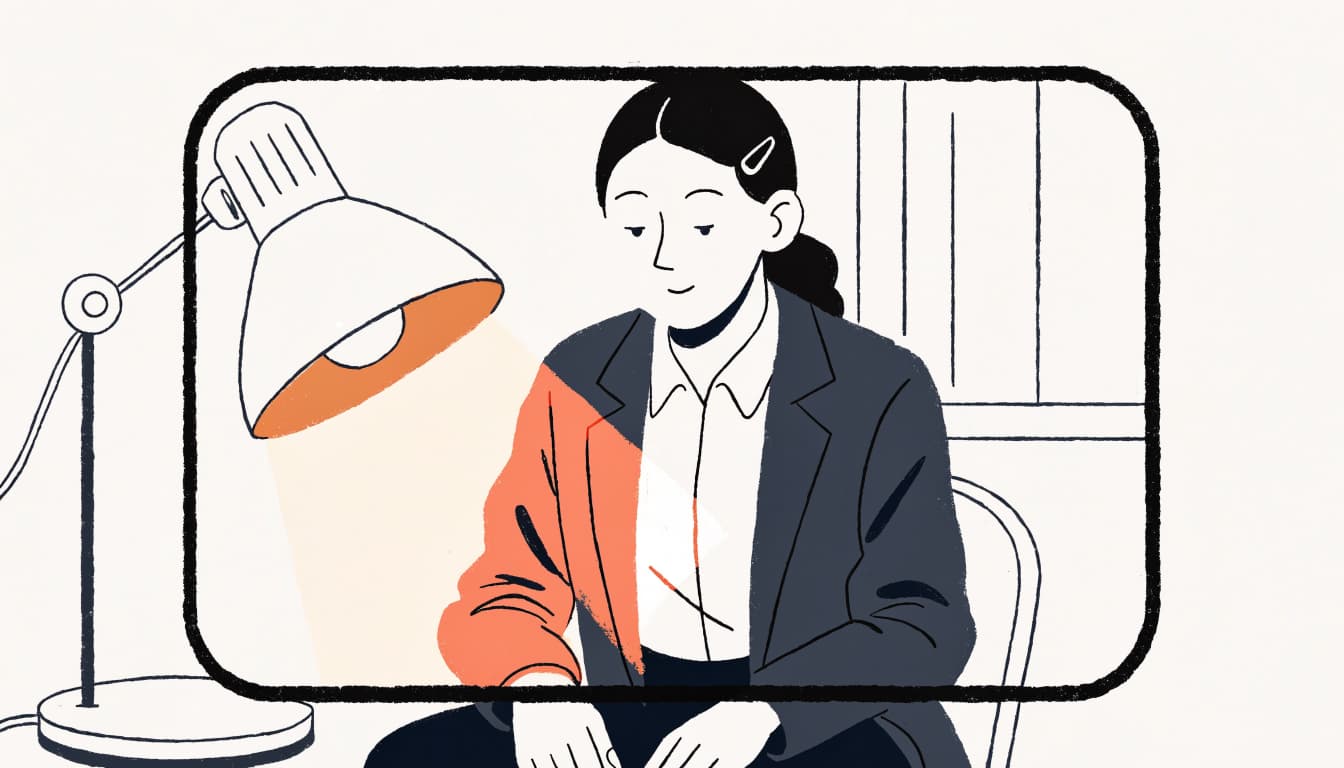
Use front lighting and keep accessories simple
Face a window or place a lamp in front of you. Avoid strong backlight, which can leave your face dark against a bright background.
Check that your clothes don't blend into your chair or wall. If they do, move your seat or change one element.
Keep accessories comfortable and unobtrusive. Remove anything that flashes in the light, knocks against your desk, or brushes your microphone. Check glasses for glare without sacrificing your ability to see.
Streetwear & Casual Styling
Once the call ends, your wardrobe can return to its regularly scheduled anime chaos.
Build a post-interview look around a Cyber-Brutalist Anime Graphic Tee, the signature style at TrendReactTees.STORE. Pair bold artwork with relaxed cargos or dark-wash denim, then add a lightweight overshirt or simple streetwear jacket.
Keep the surrounding pieces relatively calm so the graphic has room to stand out. If both your tee and trousers are roomy, use substantial sneakers or a defined jacket shape to give the outfit structure.
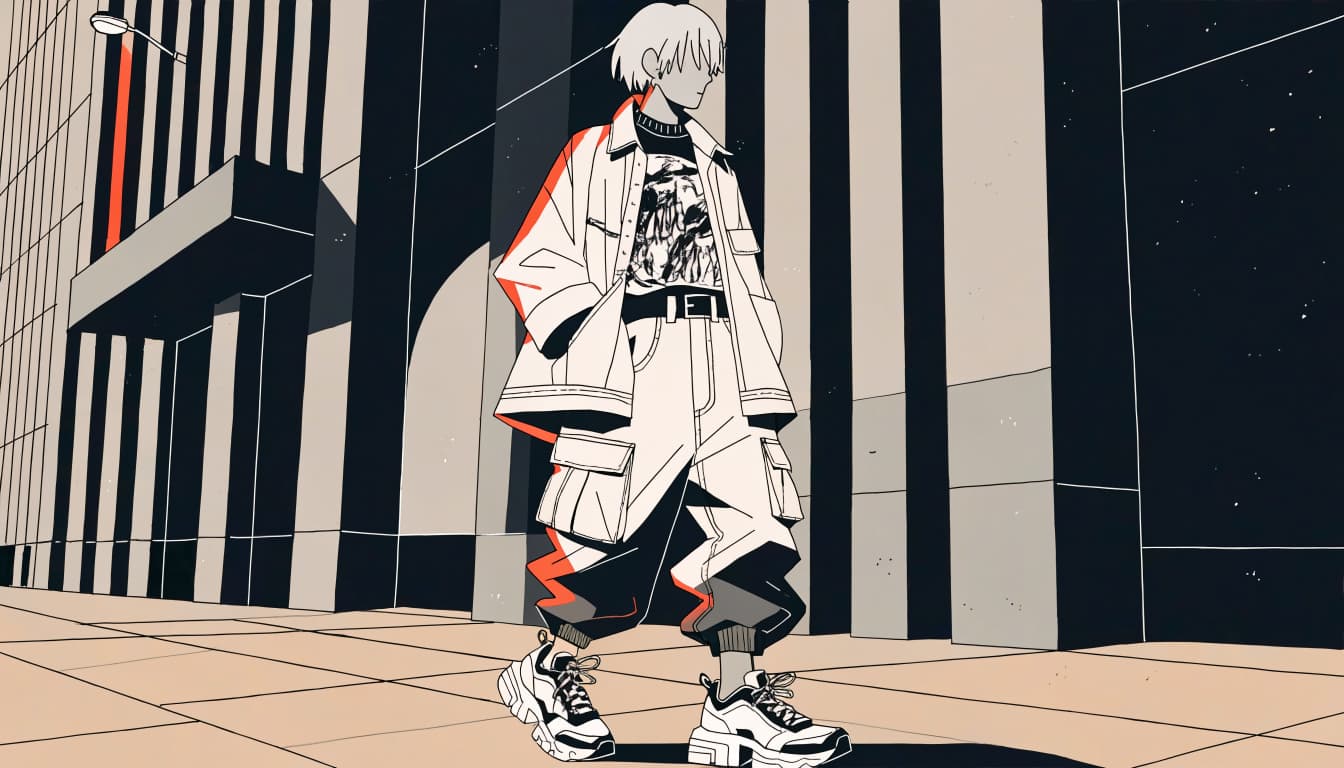
For more combinations, try these black-and-white graphic tee outfits.
Save graphic tees for after the interview unless the workplace and role clearly welcome them. A gaming employer can appreciate your fandom without needing your entire character roster on screen.
Frequently Asked Questions
Do you need to wear a blazer for a virtual interview?
You don't need one for every role. A blazer can help with formal interviews, while a neat collared shirt, blouse, or structured knit may suit less formal workplaces. If you wear one, choose a fit that lets you move comfortably rather than borrowing a jacket that swallows your shoulders.
Can you wear a patterned shirt on camera?
You can, especially when the pattern is simple and larger-scale. Check how it looks in the interview platform while you move, because tiny or busy designs are more likely to shimmer. Keep another shirt nearby if the preview looks distracting.
Should you wear makeup or accessories for a video interview?
Choose whatever helps you feel comfortable; makeup isn't a requirement. If you wear it, check the result under your interview lighting rather than changing your routine at the last minute. Keep accessories free of distracting reflections or noise, including anything that taps against your headset.
What should you wear if the company has a casual dress code?
Choose a clean, polished outfit slightly more formal than everyday wear unless the recruiter gives different guidance. If employees usually wear tees and jeans, a plain collared shirt with neat chinos is a reasonable starting point. You can ask about expectations without apologizing for wanting clarity.
Choose Your Outfit, Then Focus on the Interview
The strongest virtual interview outfits fit the role, look clear on camera, and let you feel like yourself. You don't need to erase your style or purchase a new personality with matching trousers.
Test your complete look before interview day, including how it behaves when you sit and move. Once your clothes and camera cooperate, you can give the conversation your attention instead of monitoring a rebellious collar.