

What to Wear for a Zoom Interview: A Men's Outfit Guide
Your outfit makes a first impression before you've finished saying hello, even when the interview happens over Zoom. If you're wondering what to wear for a Zoom interview, start with a clean button-down shirt, then adjust the jacket, color, and fit to suit the job. Your camera setup matters too: poor lighting can make a good outfit look like a mystery character waiting to be unlocked.
You don't need a new wardrobe. You need clothes that fit, a look that suits the workplace, and a quick camera test before the call.
Key Takeaways
- A solid button-down shirt is a reliable starting point; add a blazer when the role calls for more polish.
- Match the company's level of formality, then dress a little sharper than its everyday workwear.
- Wear proper pants and shoes, even if you expect to stay seated.
- Choose simple colors and minimal patterns, then check how they look on camera.
- Front lighting, an eye-level camera, and a tidy background help the whole outfit read clearly.
What to wear for a Zoom interview: build a sharp outfit
Business casual is your safest starting point when the dress code is unclear. Think a clean collared shirt, dark pants, and shoes you'd wear into an office. You can dial that up for a formal role or relax it slightly for a casual team. The goal is to look prepared without spending the interview thinking about your collar.

https://www.youtube.com/watch?v=Ixe9TcSYhSM
Choose a clean shirt and add a jacket when it fits the role
A crisp button-down or dress shirt in light blue, muted gray, or another solid color gives you an easy base. Make sure the collar sits flat and the fabric doesn't bunch across your chest when you sit. If you keep tugging at it, the camera will catch that too.
A blazer adds structure for office roles and interviews with senior staff. For a more relaxed workplace, a tidy sweater over a collared shirt can work. Pittsburg State University's interview attire guidance puts the basics plainly: your clothes should be clean and presentable. That matters more than owning the fanciest jacket in the room.
Dress fully, not just for the camera frame
The classic "dress shirt and pajama shorts" build has one obvious weakness: you might need to stand up. A dropped charger, a doorbell, or a camera adjustment can reveal the whole fit. Wear clean pants and appropriate shoes so you don't have to manage a wardrobe emergency mid-answer.
Getting dressed completely also saves you from the awkward switch between interview mode and couch mode. You can stand, stretch, and settle back into your chair without checking whether your legs are visible. Keep the outfit comfortable enough to sit in for the full conversation.
Match your Zoom interview outfit to the job
Before choosing a jacket, look at the company website, employee photos, and the role description. They won't give you a perfect dress code, but they can tell you whether you're meeting a traditional office team or a creative studio. Aim one step more polished than what you'd expect to wear on an ordinary workday.
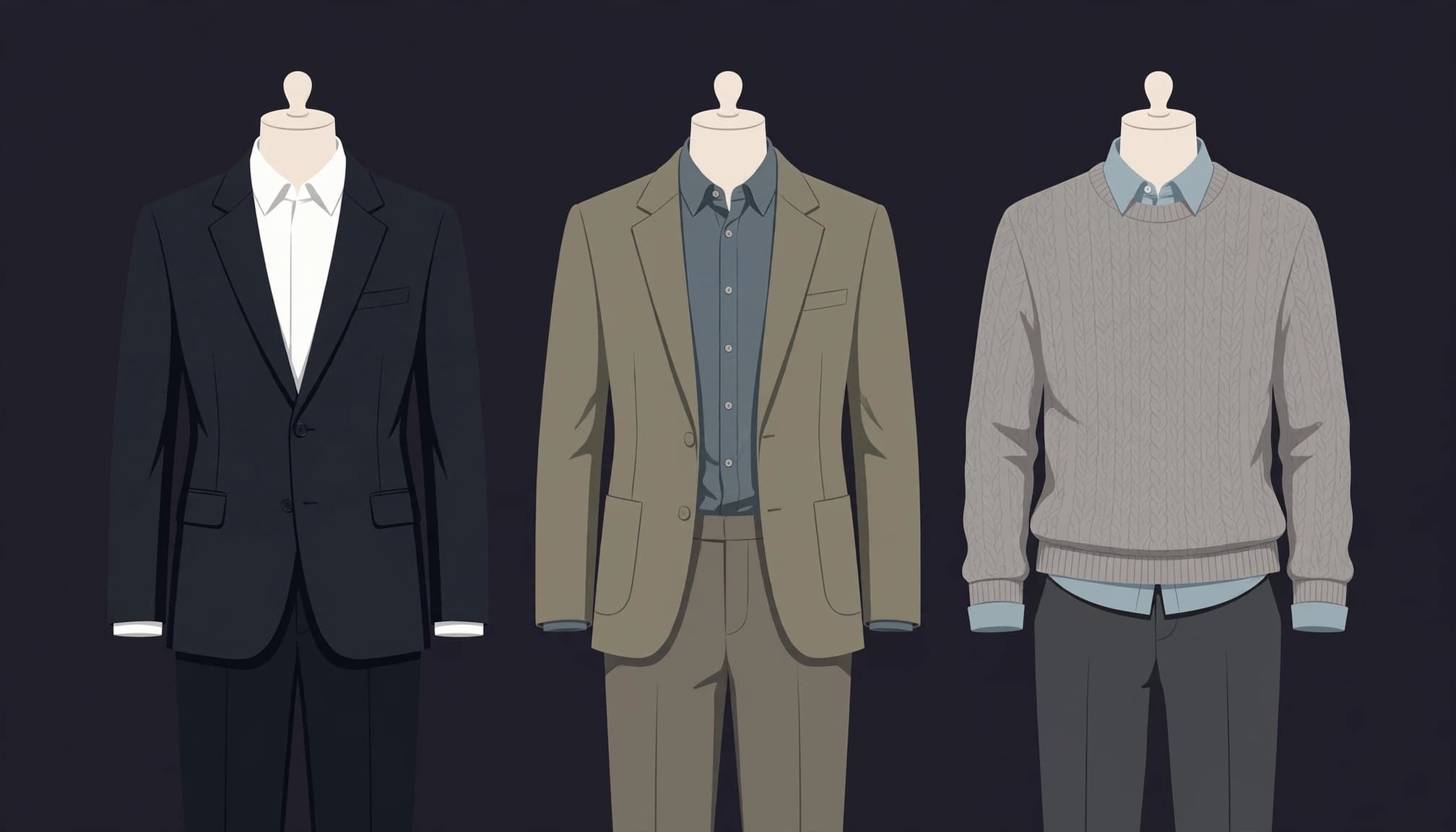
Know when to wear a suit, blazer, or smart shirt
For a corporate finance interview, a legal role, or a senior position, a suit is a sensible choice. Keep the shirt simple and the jacket fitted through the shoulders. You want to look ready for the meeting, not trapped inside formalwear you borrowed five minutes ago.
For many business-casual office jobs, a blazer over a button-down hits the right level. Interviewing with a casual creative team? A neat button-down or sweater may be enough. If the company dresses in hoodies, you don't have to copy its most casual employee on interview day. You haven't joined the team yet.
Show personality without letting your clothes take over
You can have a personality without making your shirt deliver the opening monologue. A subtle color, a clean watch, or a sweater with interesting texture gives your outfit some character. Keep bold graphics, giant accessories, and fandom prints out of the main frame unless the job clearly calls for them.
If your everyday style runs on anime references and gamer humor, save the loudest piece for after the call. The interviewer should remember your answer about the role, not spend it decoding your T-shirt. You'll have plenty of chances to show your taste once you've learned the workplace's actual dress norms.
Pick camera-friendly colors, patterns, and grooming details
Your clothes have to work in a small video window, not just in a mirror. Screen brightness, room light, and the wall behind you all affect how they appear. Choose an outfit, open your camera preview, and judge what you see there. Your closet mirror isn't the final boss.
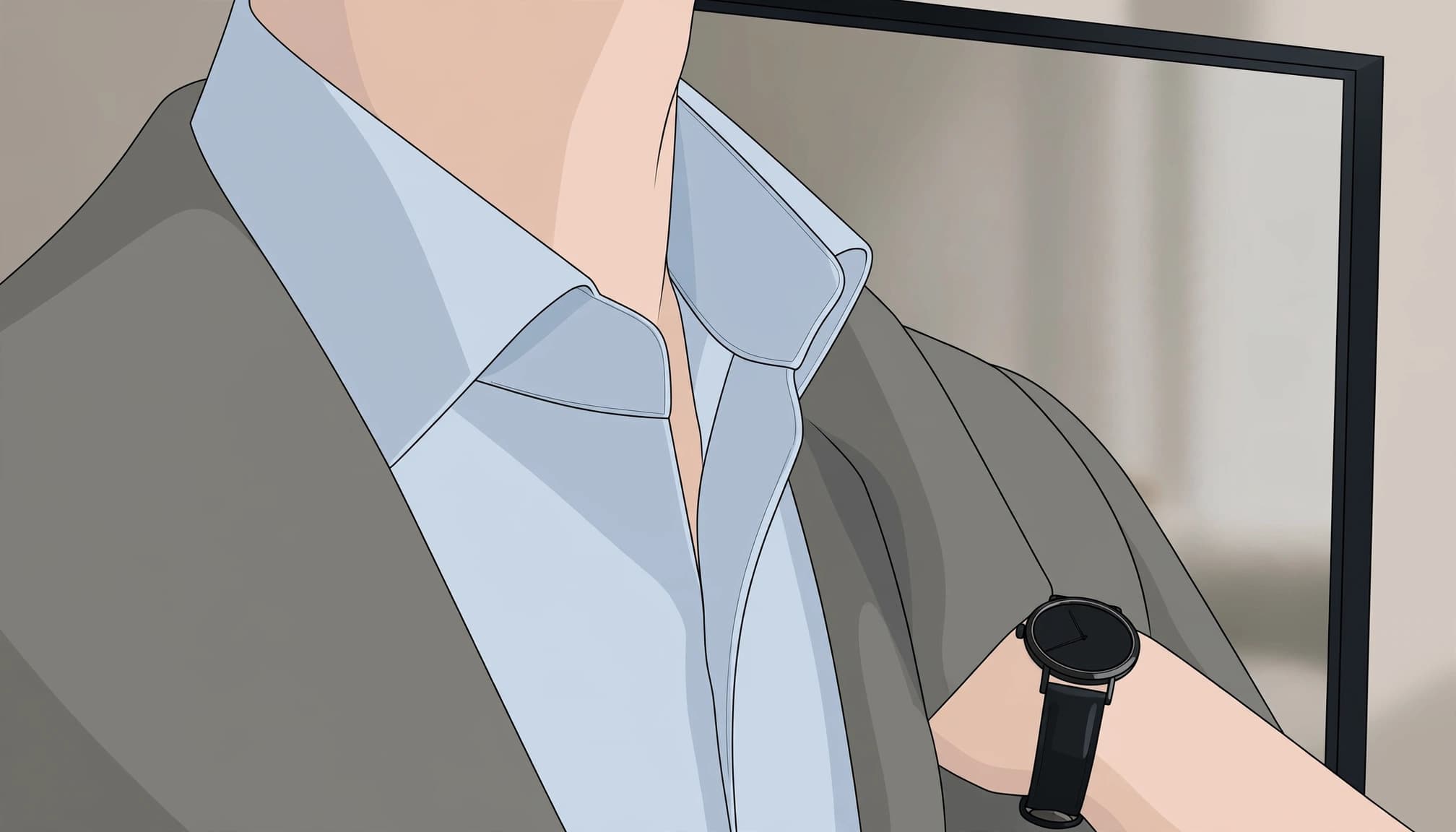
Wear solid mid-tone colors and skip busy patterns
Light blue, medium gray, and muted navy are easy colors to test. Solid fabrics also keep attention on your face. Small checks and intricate prints may look busy in a video window, so try them on camera before committing.
White and black aren't banned. A bright white shirt can look harsh under some lights, while a dark shirt can blend into a dark wall. Both depend on your setup. Indeed's Zoom interview clothing advice recommends contrast with your background. If your wall and shirt look like one uninterrupted shape, change one of them.
Check your fit, hair, and small accessories
Steam or iron obvious wrinkles, check for stains, and sit down before deciding a shirt fits. Fabric that looks smooth while you're standing can pull across your shoulders or bunch at the waist in your interview chair. For a cleaner waistline under a jacket, see these shirt-tucking tips.
Tidy your hair and facial hair the way you would for an in-person meeting. Keep jewelry simple, especially anything that clinks against the desk or competes with your face on screen. Then look at your camera preview with your usual room lighting. The preview gets the deciding vote.
Set up your camera so your outfit looks its best
A good shirt can't do much if you're backlit, cropped at the chin, or surrounded by laundry. Give the interviewer a clear view of you and a background that doesn't compete for attention. You don't need a studio setup; a few small adjustments will do.
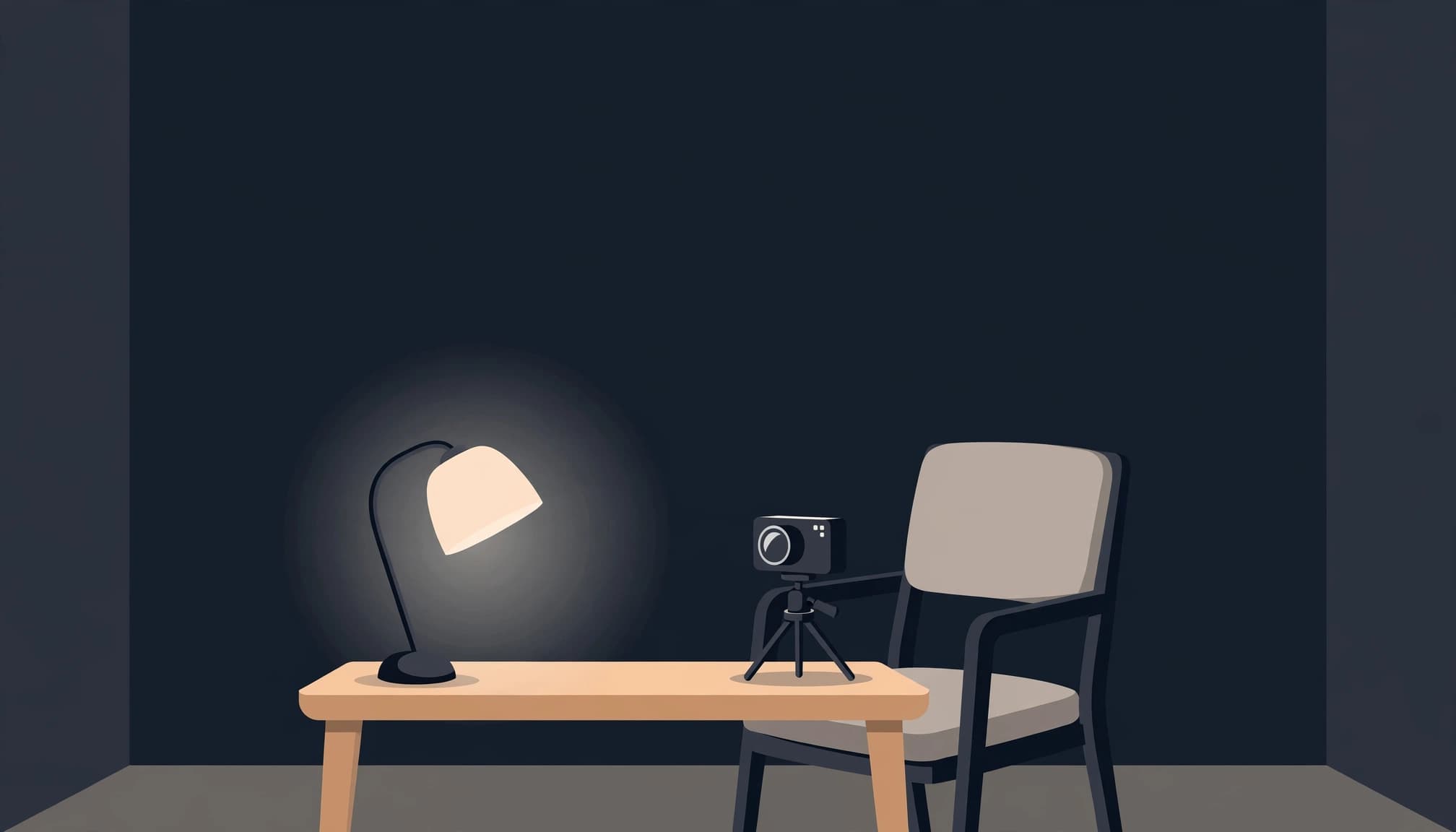
Use eye-level framing and light your face from the front
Raise your laptop or camera until the lens is near eye level. Leave enough space to show your head, shoulders, and some of your upper body. That lets your collar and jacket read properly without making you look like you're addressing the interviewer from a basement security camera.
Face a window if it gives you even light, or put a lamp in front of you. Avoid a bright window directly behind your chair. A plain wall or tidy shelf is enough for the background. Check that nothing appears to stick out of your head in the camera frame.
Test your look and video call before interview day
Open Zoom in the spot where you'll take the call. Check your shirt color, collar, camera angle, microphone, and internet connection. Speak at your normal volume, then play back a recording if you can. That catches scratchy audio and distracting background noise while you still have time to fix them.
Sit down and stand up once in the full outfit. Make sure your shirt stays tucked, your jacket doesn't pull, and your pants are interview-appropriate. Finally, place your charger and a glass of water within reach, but out of the camera frame.
Make the outfit you already own work
You don't need to panic-buy a suit because an interview invite appeared in your inbox. Start with the cleanest, best-fitting pieces you own. A plain shirt that sits well at the shoulders usually looks better on camera than an expensive jacket that's too tight. Try your options together rather than judging each item on its hanger.
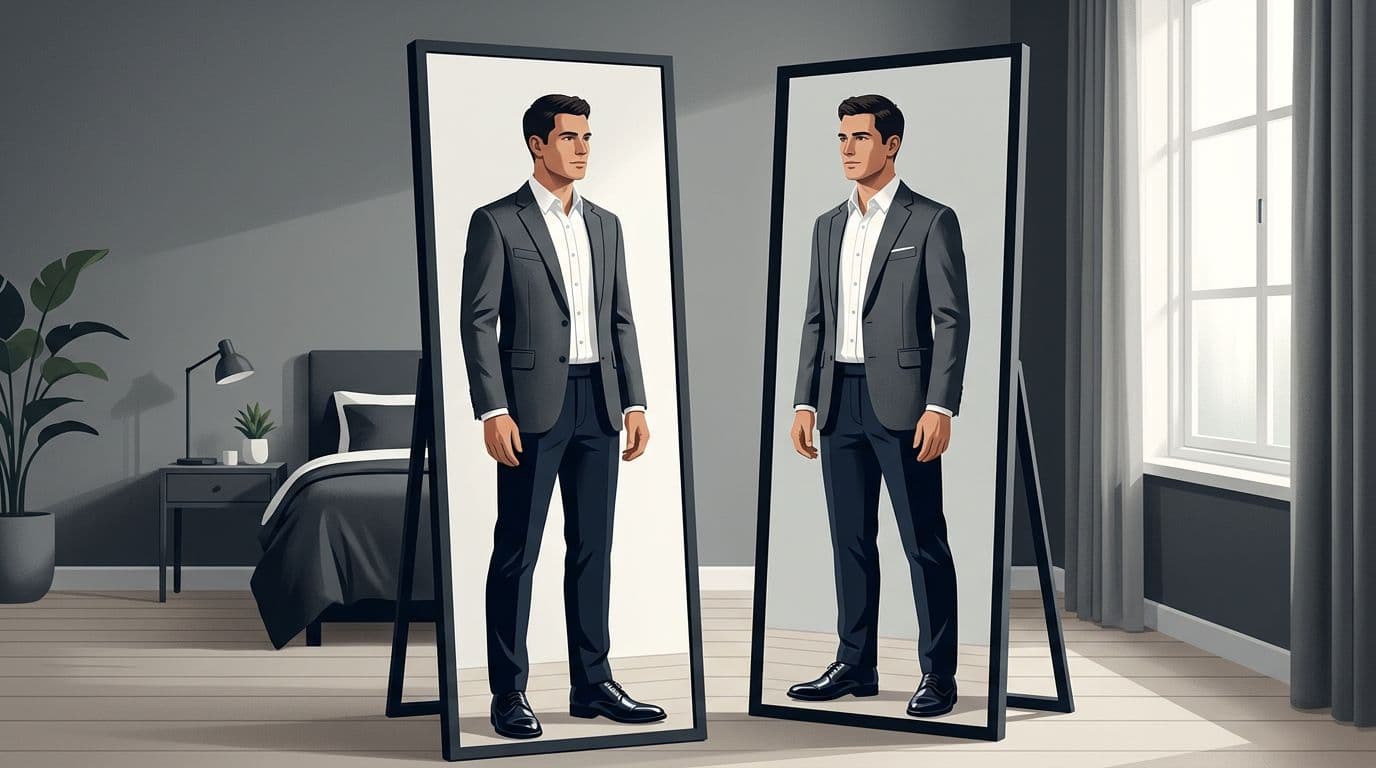
If you're choosing between two shirts, take a short video in each under the lighting you'll use. Look for a collar that stays put and a color that separates you from the background. Notice whether you're adjusting a sleeve every few seconds. That tiny annoyance tends to become a side quest once you're answering a tough question.
Set the winning outfit aside the night before. Check for missing buttons, pet hair, and anything you meant to wash. Your interview-day brain has better things to do than hunt for a clean shirt.
Frequently Asked Questions
Do you need to wear a tie for a Zoom interview?
Wear a tie when the role, industry, or company dress code calls for formal business attire. It also makes sense with a suit if that's the level of dress you'd choose for an in-person meeting. For many business-casual jobs, a polished shirt and optional blazer are enough.
Can you wear a polo shirt to a video interview?
A clean, well-fitting polo can work for a workplace with a clearly casual dress code. Choose a simple one without a large logo, and check that the collar lies flat on camera. If you're guessing about the company's expectations, a button-down is the safer pick.
Should you wear a graphic T-shirt to an interview?
Usually, no. A graphic T-shirt can pull attention away from what you're saying, even when the design is excellent and the reference is elite. An exception might make sense for a role where the company clearly values that style, but the whole outfit should still look deliberate and neat.
What should you wear if the interview dress code is unclear?
Choose a solid button-down with a blazer or a neat sweater. It's flexible enough for many office interviews without looking overly formal. If you're in touch with a recruiter, ask about interview dress expectations. That's a normal question, not an admission that your closet needs patch notes.
Show up ready, not newly dressed
That first on-screen impression comes down to a few choices you can control. Dress for the role, pick clothes that fit, and check the whole outfit in your actual camera setup.
You don't need to buy your way into looking prepared. A clean, comfortable outfit and a tested video call let you focus on the conversation instead of your collar.